
Four ways to reach another language
A video can reach people in another language in four ways, and they are not the same. The first three keep one video and add a voice: YouTube dubs it for you, you upload your own dubbed track to YouTube, or Instagram translates your voice on a reel. The fourth is a separate video for each language, posted on its own.
Dubs and extra tracks keep every view on one video, and viewers hear their language without looking for it. A separate video can be written for its audience, not only translated, and it can go on a channel or an account of its own. Which one fits depends on the platform, the languages, and whether the voice is yours.
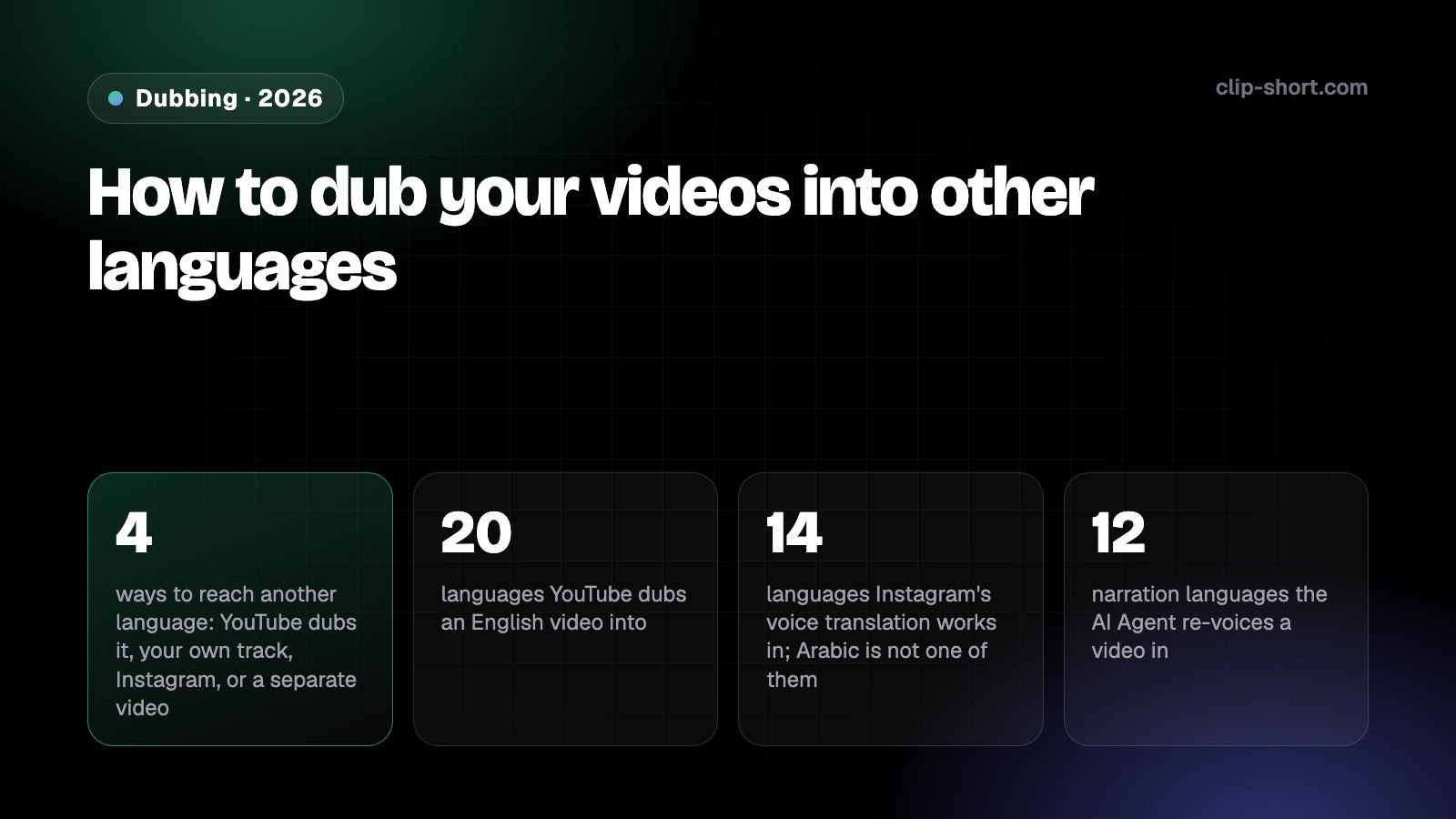
- 4ways to reach another language: YouTube dubs it, your own track, Instagram, or a separate video
- 20languages YouTube dubs an English video into
- 14languages Instagram's voice translation works in; Arabic is not one of them
- 12languages the AI Agent re-voices a finished video in
YouTube's automatic dubbing
YouTube makes dubbed audio tracks by itself when you upload a video, and it is on by default for eligible creators. Viewers hear the dub that matches their preferred language, and can switch between the original and the dubs in the player. Some languages get expressive speech, which keeps the original speaker's pitch and intonation, and lip sync is an experiment open to select channels.
Which languages a video is dubbed into depends on the language it is spoken in:
- English20
- Spanish3
- Portuguese2
- Hindi2
- Arabic1
- Most other languages1
Most other languages are dubbed into English only.
Could YouTube dub your video by itself?
- Is it 120 minutes or shorter?
- Does it have speech, and is it not spoken too fast?
- Is it in a language YouTube supports and can detect?
- Is it free of copyrighted content?
| Spoken in | YouTube dubs it into |
|---|---|
| English | 20 languages, Arabic, Spanish, Portuguese, French, German and Hindi among them |
| Spanish | Arabic, English and Portuguese |
| Portuguese | English and Spanish |
| Arabic | English |
| Hindi | Bengali and English |
| Most other languages | English only |
A video is left out when it runs over 120 minutes, has little or no speech, is spoken too fast, is in a language YouTube does not support or cannot detect, or contains copyrighted content. You can choose to review dubs before they are published, and publish, unpublish or delete each one; a deleted dub cannot be published again.
Your own audio tracks on YouTube
If you already have a voice in another language, you can add it to the same video as a second audio track, on long videos and on Shorts. It is available to creators with access to YouTube's advanced features. In YouTube Studio on a computer, open Languages, choose the video, add a language, and next to Dub click Add and select your audio file.
The file must be audio only, in a format YouTube supports, and roughly the same length as the video. Viewers get the track in their preferred language by default and can switch in the player settings. YouTube removes a track whose copyrighted content differs from the original audio.
Instagram's voice translation
Instagram can translate your voice on a reel with Meta AI and sync your lips to the new words. It is not available to everyone yet, and it works in Spanish, English, Hindi, Portuguese, Bengali, Tamil, Telugu, Marathi, Kannada, Japanese, Korean, French, German and Italian. Arabic is not on the list.
It only translates your own voice: a reel with music, sound effects or other voices gets "Voice translation is not available". On the screen where you publish the reel, turn on Translate voice (under More options if you do not see it) and allow Meta to use AI for it. Translations can take up to 24 hours; you can review them, turn off the lip sync, or delete a language, and a deleted translation cannot be added again.
Is your language on Instagram's voice translation list?
The list is for voice translation of reels on Instagram. It is not available to everyone yet.
A new video for each language, with Clip-Short
The fourth way is a separate video in each language. Clip-Short's AI Agent can do this for any narrated video it made (not a scene clip or a Remix): the translate button writes each scene again in the new language, keeping how long it is spoken, and records it in the same voice over the same pictures, with the captions timed again. It makes a new video, which uses one of your plan's AI Agent videos.
It works in 12 of the AI Agent's languages, among them English, Spanish, Portuguese and Arabic, which it speaks as Egyptian colloquial. A series can do it for every episode: each finished episode is also made in up to 2 more languages you pick. A video you filmed is dubbed as clips: upload it to AI Clipping, and Dub speaks a clip of up to 5 minutes again in English, Spanish, Portuguese, Arabic, French or German, with a voice for each speaker, the background sound kept and the captions in the new language.
Which to use
On YouTube, check first whether automatic dubbing already covers your language pair: it costs nothing and keeps every view on one video. If your voice matters, or the pair is not covered, a track you recorded yourself goes on the same video. On Instagram, voice translation fits a reel where you are the only one speaking, in one of its languages.
Make a separate video when the audience in the other language needs its own script, when the language is not covered, or when you want a channel or account for that language. Whichever you choose, have someone who speaks the language watch it before it goes out: machine translation can be wrong on names, jokes and dialect.
Before you publish in another language
- You checked whether YouTube's automatic dubbing covers your video's language.
- A dubbed or added track was reviewed by someone who speaks the language.
- On Instagram, the reel has only your own voice, with no music or other voices.
- A separate video has a title and description written in its own language.