
How this list was made
We read each tool's own homepage and pricing page on 10 October 2026 and wrote down three things: what it says it makes, whether the pricing page shows a free plan (yes, trial only, none, or the page did not load for us), and how many languages it claims. We did not sign up to each tool and we do not rate their output; this is a map, not a ranking.
We do not print rivals' prices. They change by month and by country, and a stale price would mislead you. Every pricing page is linked in the sources with the date we read it. Clip-Short is in the list because we make it; it sits in the groups where it belongs and the other groups say plainly that it is not that kind of tool.
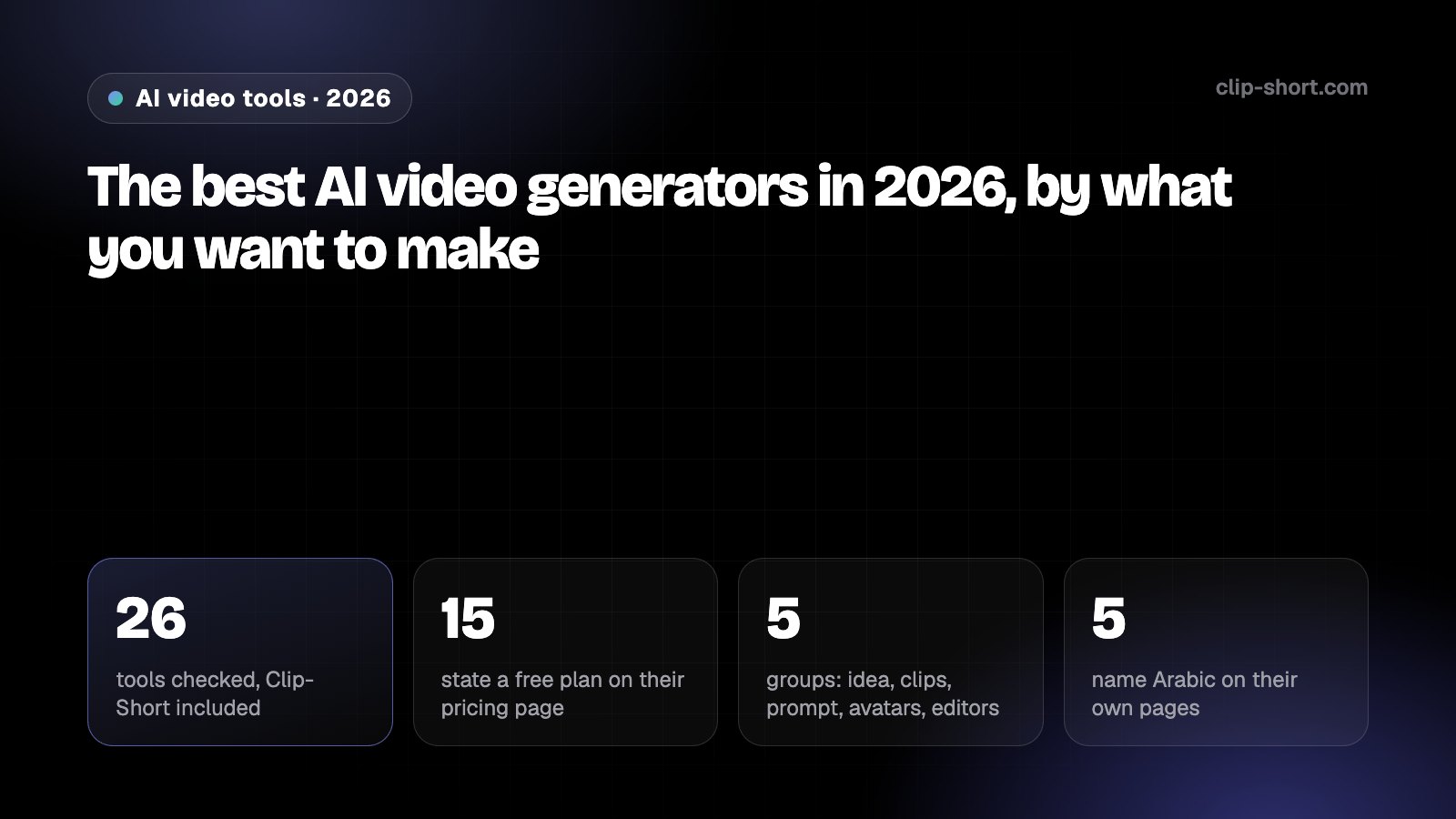
- 26tools checked, Clip-Short included
- 15state a free plan on their pricing page
- 5groups: idea, clips, prompt, avatars, editors
- 5name Arabic on their own pages
Which group is yours? Answer three questions
- You start from an idea or a script, not from footage you already have
- A narrator's voice over pictures is fine; your own face on screen is not needed
- A vertical video of 1 to 10 minutes is the goal
Narrated videos from an idea
These tools take a written idea, a script or an article and return a finished video: the words, the pictures, a voice and captions. They are what most faceless channels, story channels and explainer channels run on. The differences that matter are the languages, what the free plan really lets you export, and how much of each scene you can change afterwards.
Read the table by rows, not by brand. A tool that gives 3 credits a month with a watermark and a tool that gives 1 video a month with a watermark are closer than their homepages sound. The column that decides most is the languages one: a narration language you need is either on the page or it is not.
| Tool | What it makes, in its own words | Free plan on 10 October 2026 | Languages it claims |
|---|---|---|---|
| Clip-Short | A narrated, captioned short video from a written idea: AI pictures or stock footage, 23 voices, editable scene by scene | Yes: 1 video a month, up to 1 minute, small watermark, no card | 20 narration languages, Arabic in Egyptian colloquial |
| Fliki | "Turn text into videos with AI voices" | Yes, "free forever": 3 credits a month, exports up to 5 minutes, watermark | "80+ languages" |
| Pictory | Videos from text, a URL, a blog post or a presentation | Trial only: 14 days, 3 video projects | Text-to-video "currently only English" |
| Steve AI | Animated or avatar videos from text | Yes: 5 video credits a month | "10+ languages" for its translator |
| Revid | Short videos from prompts, URLs and scripts | No plan: new accounts get "free credits to try" | "70+ language voiceovers" |
| Vivideo | Text or image to video, several video models, avatars | Yes, "an ongoing free trial": no card, no watermark | "over 50 languages", Arabic named |
| InVideo AI | "The agentic video editor" | No free plan on the pricing page as served to us | Not stated |
| Lumen5 | Articles and scripts turned into marketing videos | Page did not load for us | Not stated |
| Pexo | "The AI video agent that turns your ideas into videos" | Page did not load its prices for us | "130 languages" for its speech model |
What to check before you choose: the free export length (Fliki 5 minutes, Clip-Short 1 minute, HeyGen 1 minute in the avatar group), whether the free export carries a watermark, and whether the narration language you need is really offered, not only "supported" for captions.
Clips from long videos
A different job: you already have a podcast, a stream or a long YouTube video, and you want the best moments as vertical clips with captions. The tools here find the moments, crop to the speaker and caption the result. Free plans in this group are measured in credits and often expire.
| Tool | What it makes, in its own words | Free plan on 10 October 2026 | Languages it claims |
|---|---|---|---|
| Opus Clip | "1 long video, 10 viral clips" | Yes, "free forever": 60 credits a month, free clips exportable for 3 days, watermark | 25 caption languages listed; Arabic is not among them |
| Vizard | Long videos turned into clips | Yes: 60 credits a month, 3-day storage | Caption translation to "over 100 languages" |
| Klap | Long videos turned into shorts | Trial only: 1 free video | 52 languages; Arabic, Portuguese and Spanish named |
| Submagic | Captions and edits for shorts | No free plan listed; "try for free" with no terms stated | 123 languages; Arabic, Portuguese and Spanish named |
| Crayo | Clipping, story and faceless videos | No free plan on the pricing page | "Most languages" |
| Kapwing | An online editor with AI tools for clips, subtitles and resizing | Yes: 10 credits, exports up to 4 minutes, watermark | "40+ languages" for dubbing |
| Clip-Short | AI Clipping cuts the best moments into captioned vertical clips; Auto Caption; Dub into 4 languages | Yes: 60 minutes of video processing a month | Captions in the language spoken; dubbing into English, Spanish, Portuguese and Arabic |
Realistic footage from a text prompt
Generative video models make a short realistic or cinematic clip from a prompt or an image: a few seconds of a car on a wet road, a face that turns. They do not write a script or narrate a story; people use them for one shot and edit the rest elsewhere. Clip-Short is not one of these. Its Scenes are 8-second animated shots with sound (Pro), and its videos are pictures with a narrator.
| Tool | What it makes, in its own words | Free plan on 10 October 2026 | Languages it claims |
|---|---|---|---|
| Runway | Generative video and image models | Yes, "free forever": 125 one-time credits | Not stated |
| Pika | AI video and image from prompts | Yes: 0 monthly credits, credit packs only, no watermark | Not stated |
| Kling | AI video and image generator | Page did not load for us | Not stated |
| Google Flow (Veo) | Prompt to video inside Google's Flow | Yes: 50 credits a day, limits at peak hours | Not stated |
| Clip-Short | Not a generative model: narrated videos from pictures, plus 8-second animated Scenes (Pro) | Yes: 1 narrated video a month | 20 narration languages |
Avatars and talking heads
Avatar tools put a digital presenter on screen who reads your script to camera, often in many languages. They fit training, sales and product videos. Clip-Short has no avatars: its narrator is a voice over pictures, which is what story and faceless channels want.
| Tool | What it makes, in its own words | Free plan on 10 October 2026 | Languages it claims |
|---|---|---|---|
| HeyGen | "AI videos starring you, made in minutes" | Yes: up to 3 videos a month, each up to 1 minute | "30+ languages" free, "175+ languages and dialects" paid |
| Synthesia | AI video and avatar platform for business | Yes: 10 minutes of video a month, watermark | "140+ languages" |
| Vidnoz | Avatars, voices and templates | Yes: up to 3 minutes a video, watermark | "140+ languages" |
| Creatify | Short ad videos with AI actors | Yes: 10 credits a month, 2 video ads, watermark | "75+ languages" |
| Clip-Short | No avatars: a narrator's voice over AI pictures or stock footage | Yes: 1 video a month | 20 narration languages |
General editors with AI features
CapCut, Canva and Kapwing are editors first: timelines, templates and effects, with AI features added. If you film your own footage and want to cut it by hand, start here. If you want a finished video from an idea, the first group does more of the work.
| Tool | What it makes, in its own words | Free plan on 10 October 2026 | Languages it claims |
|---|---|---|---|
| CapCut | A photo and video editor for phone, desktop and web | Yes: a free tier with the basic tools | Not stated |
| Canva | A design editor with AI video clips inside it | Page did not load for us | Not stated |
| Kapwing | An online editor with AI tools | Yes: 10 credits, exports up to 4 minutes, watermark | "40+ languages" for dubbing |
What "free" means on each page
Most pages say "free". The pricing pages say what that is worth, and the answers differ a lot. Read the limit, the export length, the expiry and the watermark line before you count on a free plan.
None of this makes a free plan bad. It makes it a test drive: enough to see whether the voice, the pictures and the captions are what your channel needs, and not enough to run the channel on. Decide after the first export, not after the homepage.
- Free plans that expire or run out: Opus Clip's free clips stop being exportable after 3 days and Vizard stores free clips for 3 days; Runway's 125 credits are one-time; Pika's free plan has 0 monthly credits and sells packs.
- Free plans with short videos: HeyGen 1 minute a video and 3 videos a month; Clip-Short 1 minute and 1 video a month; Vidnoz 3 minutes a video; Kapwing 4 minutes; Fliki 5 minutes.
- Watermark stated on the free export: Fliki, Kapwing, Synthesia, Opus Clip, Creatify, Vidnoz and Clip-Short. Stated as no watermark: Pika and Vivideo.
- Trial only: Pictory (14 days, 3 projects) and Klap (1 video). No free plan on the page: InVideo AI as served to us, Revid, Submagic and Crayo.
- Pages we could not read: Lumen5, Canva, Kling, Pexo and AutoShorts loaded no prices for an automated reader. Open them yourself.
Spanish, Portuguese and Arabic: who names them
A language count on a homepage is not the same as narration in your language. We note only what each page states. Where a tool names Spanish, Portuguese or Arabic, we say so; where it gives a number only, we give the number.
| Tool | Claim on its own page | Spanish | Portuguese | Arabic |
|---|---|---|---|---|
| Clip-Short | 20 narration languages | Yes | Yes | Yes, Egyptian colloquial |
| Klap | 52 languages | Named | Named | Named |
| Submagic | 123 languages | Named | Named | Named |
| Fliki | "80+ languages" | Named | Named | Named |
| Vivideo | "over 50 languages" | Named | Named | Named |
| Opus Clip | 25 caption languages | Named | Named | Not in the list |
| HeyGen | "175+ languages and dialects" paid | Named | Not named | Not named |
| Pictory | Text-to-video "currently only English" | No | No | No |
Before you pick a tool
- Pick the group first: an idea, footage you have, a prompt, your face, or hand editing.
- Read the free plan's limit, export length, expiry and watermark line on the pricing page, not the homepage.
- Check that your narration language is offered for narration, not only for captions or translation.
- Make one video on the free plan and export it before you pay for anything.
- Where a platform asks you to label AI-made video, plan to do it whatever tool you use.