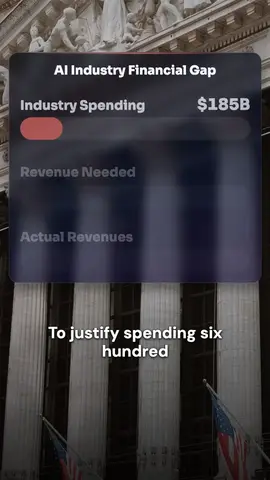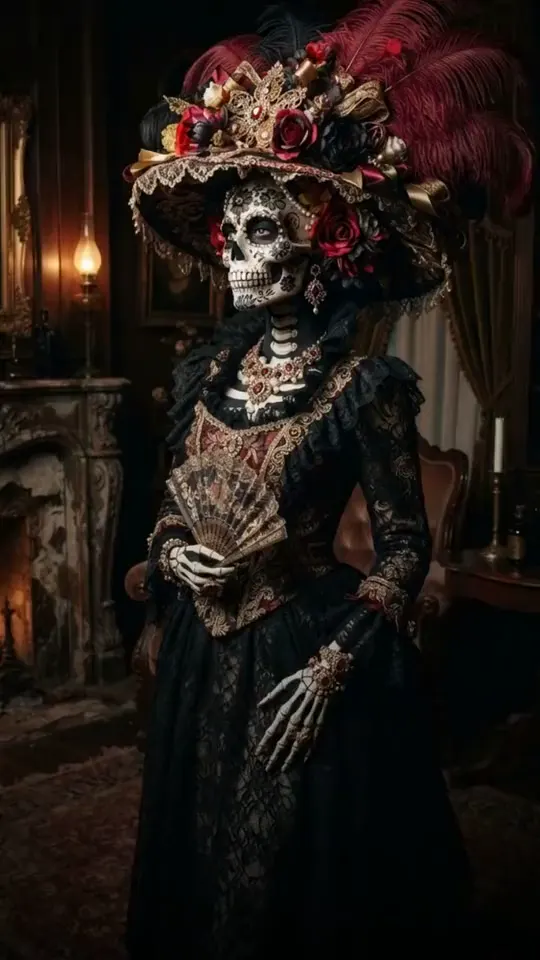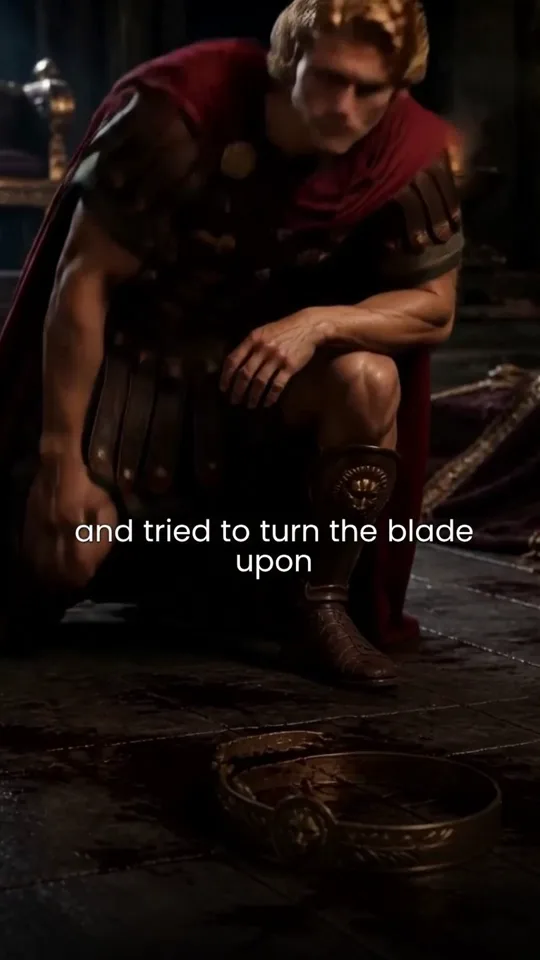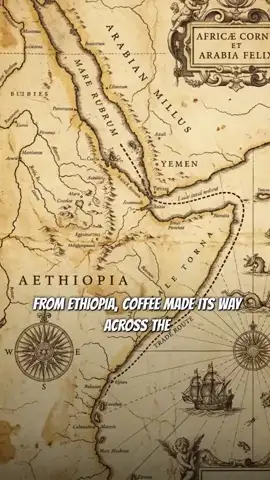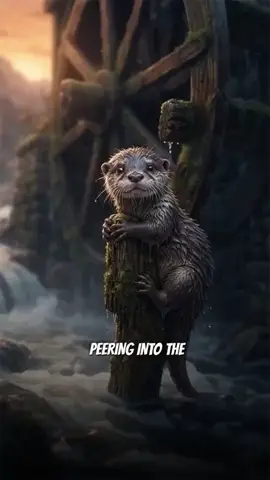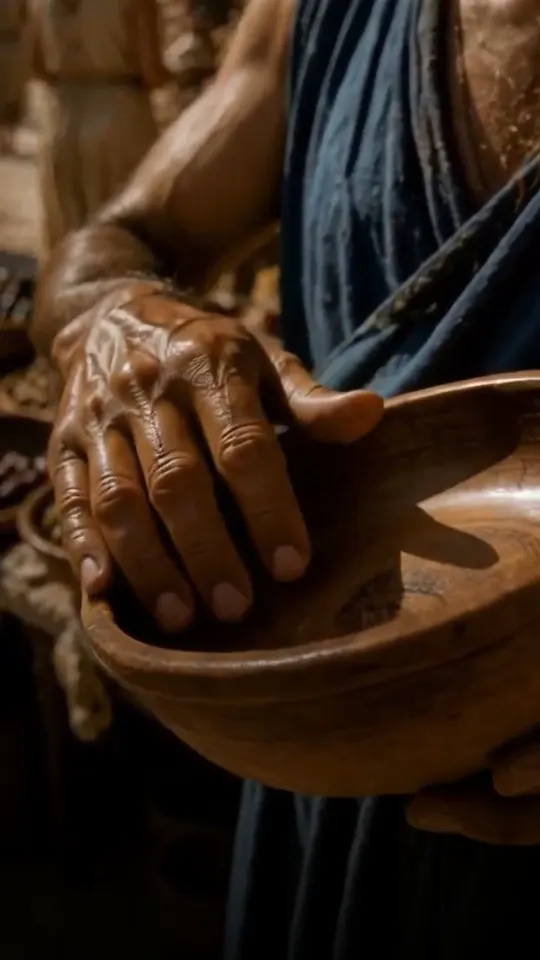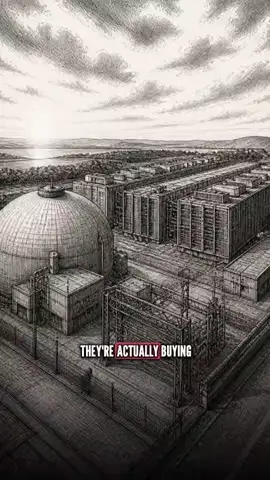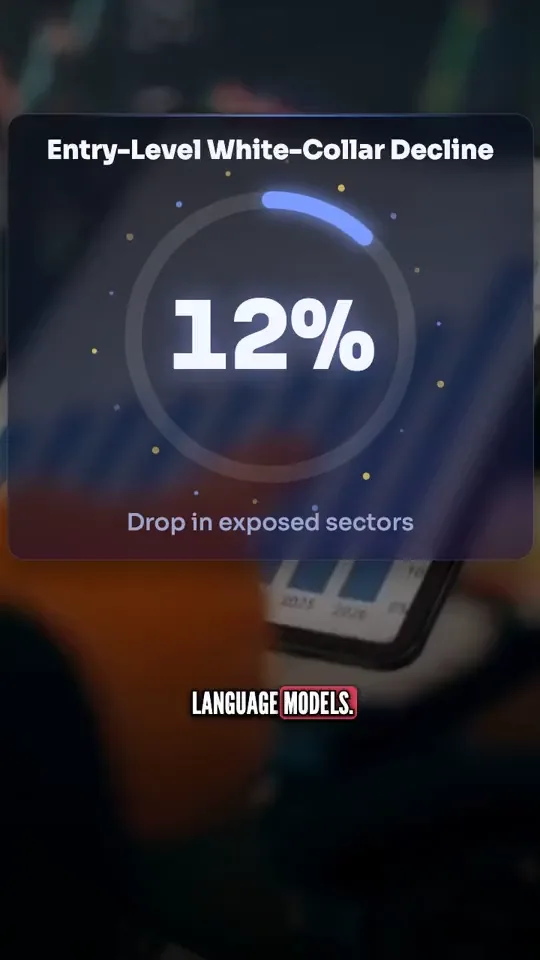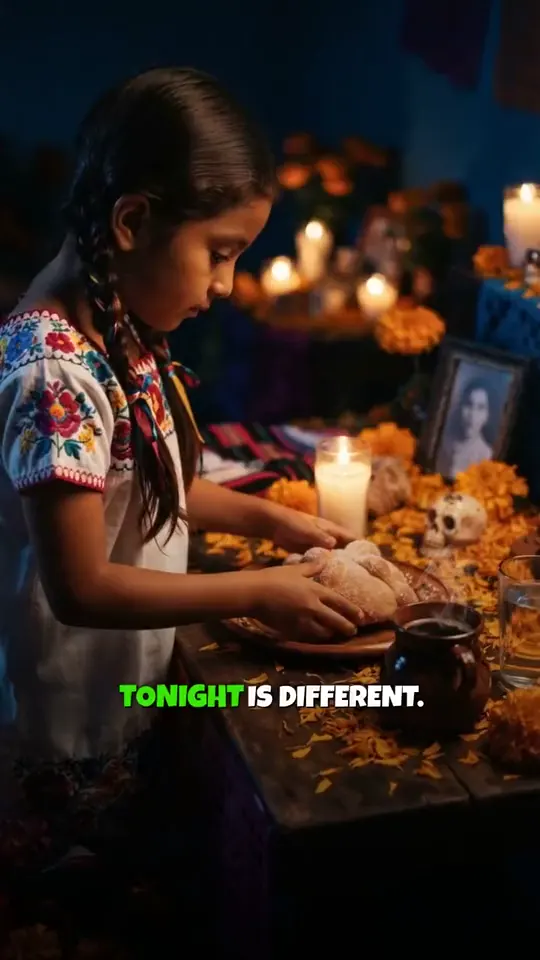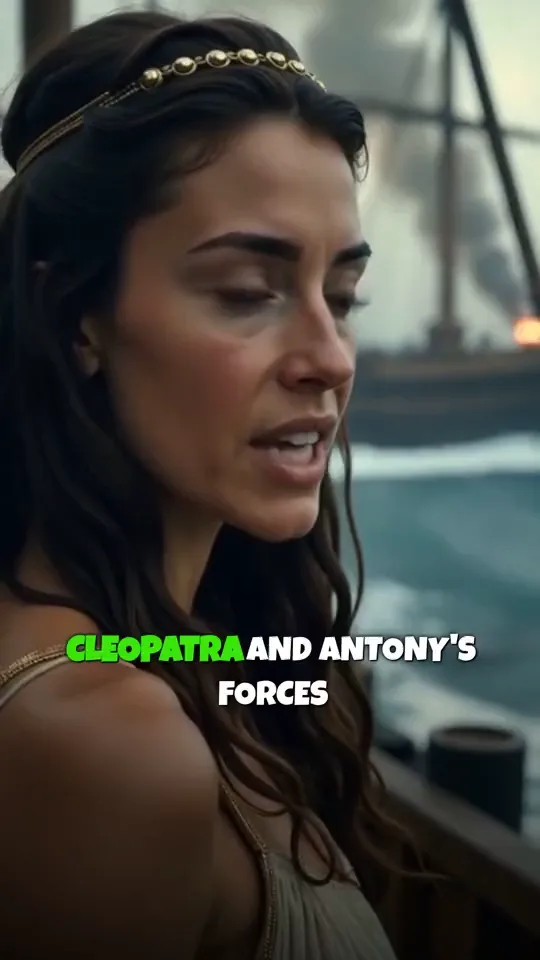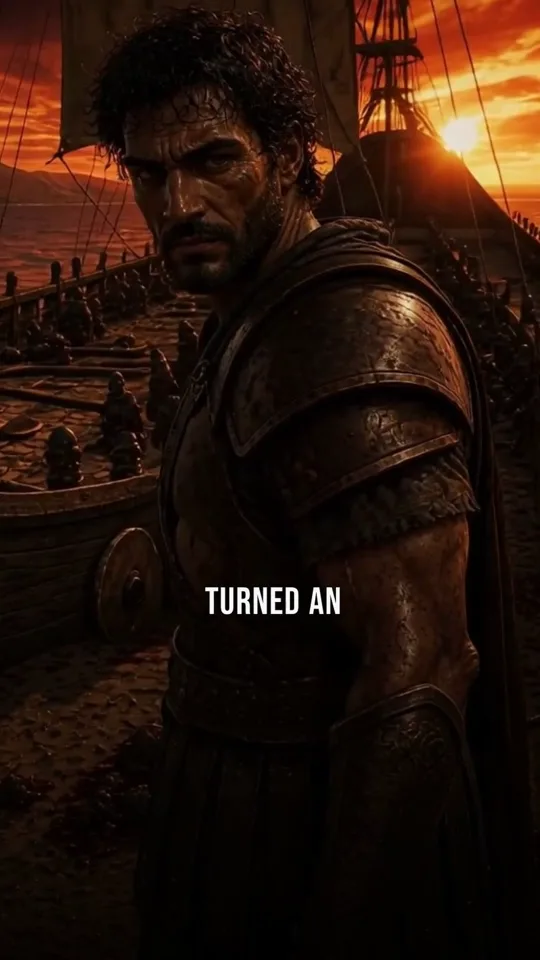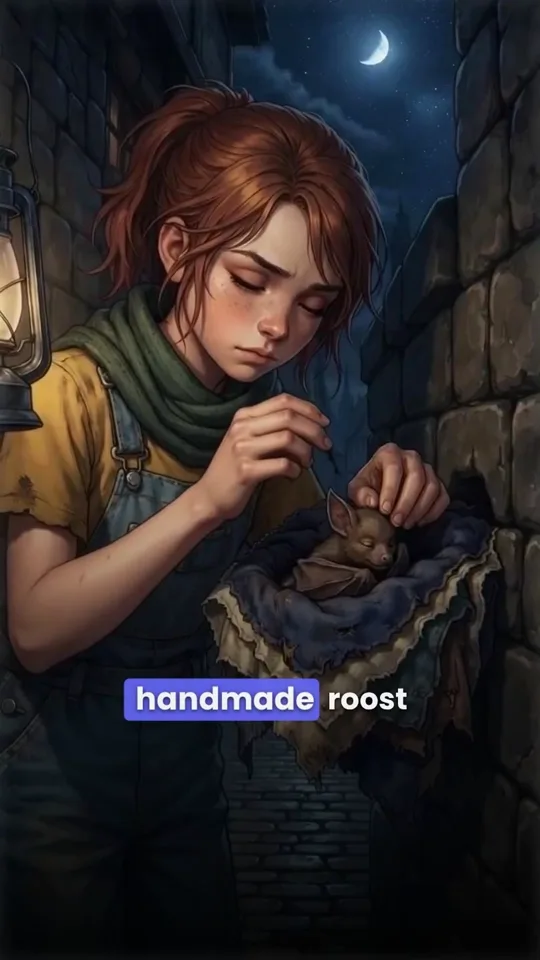
An idea in.
A finished video out.
The agent writes the script, draws every scene in one look, records the narration, times the captions, lays the music and cuts the video. Then it stays with the video: ask for any change and it makes it.

Create a video about queen Cleopatra
A whole crew, in one agent.
Each step is its own specialist, and every step is yours to change afterwards.
- Writes
- Researches topics, drafts hooks, and structures narratives designed for retention.
- Draws
- Finds stock footage and makes AI pictures for each scene, and keeps one look and your characters across the video.
- Narrates
- Records the narration in 30 languages, in the voice you pick.
- Edits
- Assembles the final cut with paced transitions, captions, and background music.
52 ways to change it.
You just say it.
Say what you want changed, in your own words, while the video plays. The agent looks first, makes the change, then checks it on screen. Small changes land at once; anything that costs a new picture or voice is shown to you first and waits for your yes. One Undo takes a whole request back.
- 1You say it
“At 0:28 add thunder and put the year on screen”
- 2It looks
Checks the screen at 0:28 and finds the words said there
- 3It changes a draft
Adds the thunder and the year
- 4It checks the screen
Text ✓ Caption ✓ Sound ✓
- 5You keep it, or Undo
One version, one Undo
What is on screen at a moment, the words of a scene with the second each is said, the versions, the web with its sources.
- Check the screen
- Find the words
- Look at a picture
- Read the settings
- See past versions
- Search the web
Captions, texts, motion graphics, stickers, beats, music and sounds, the order of pictures and scenes. Free, on the draft, checked on screen, one Undo.
- Caption style
- Fix a caption word
- Title card
- Add text
- Edit text
- Remove text
- Add a graphic
- Place a graphic
- Resize a graphic
- Move a graphic
- Remove a graphic
- Redesign a scene
- Add a sticker
- Add an effect
- Remove an effect
- Light leak
- Music
- Voice level
- Sound effects
- Add a sound
- Remove a sound
- Background sound
- Trim silences
- Move a picture
- Move a scene
- Jump to a moment
- Undo
A new narration or voice, a picture drawn, edited or animated, footage found, a scene added or removed. Proposed with its cost; made when you say yes.
- Rewrite the narration
- Change the voice
- Translate the video
- Edit a picture
- Redraw a picture
- Add a picture
- Animate a picture
- Lip sync
- Frame a picture
- Place your photo
- Find stock footage
- Add a scene
- Remove a scene
- Remove a picture
- Restore a version
- Export
- Start a new video
- Ask you a question
- Suggest Pro
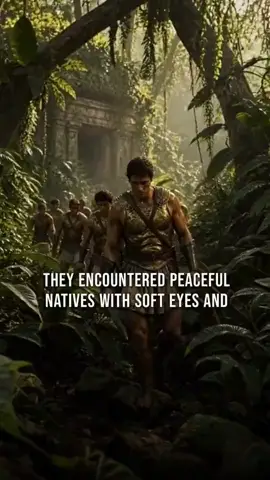
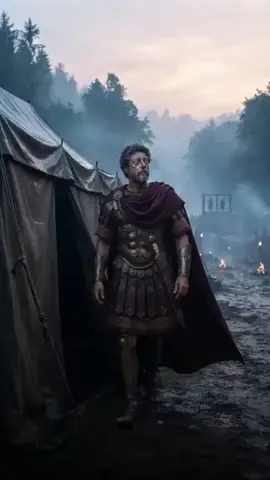
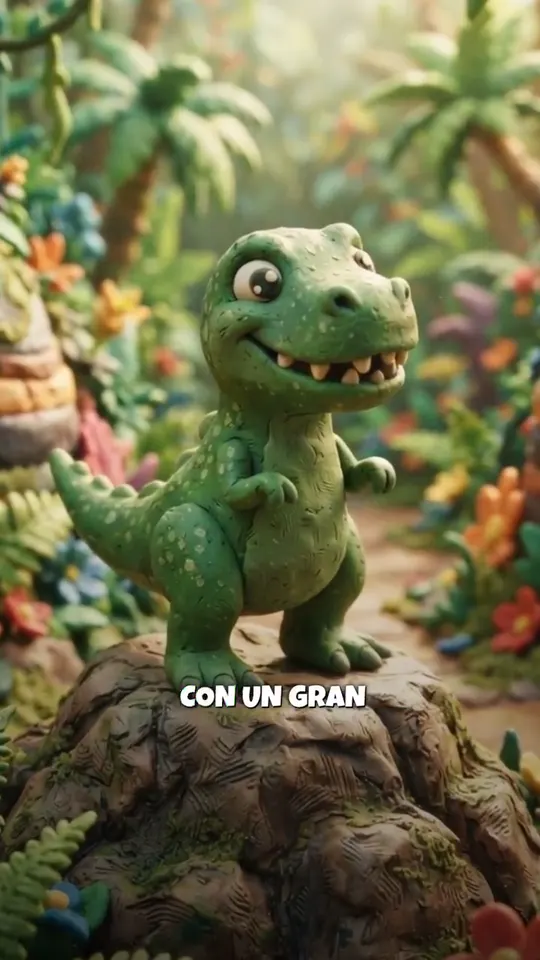
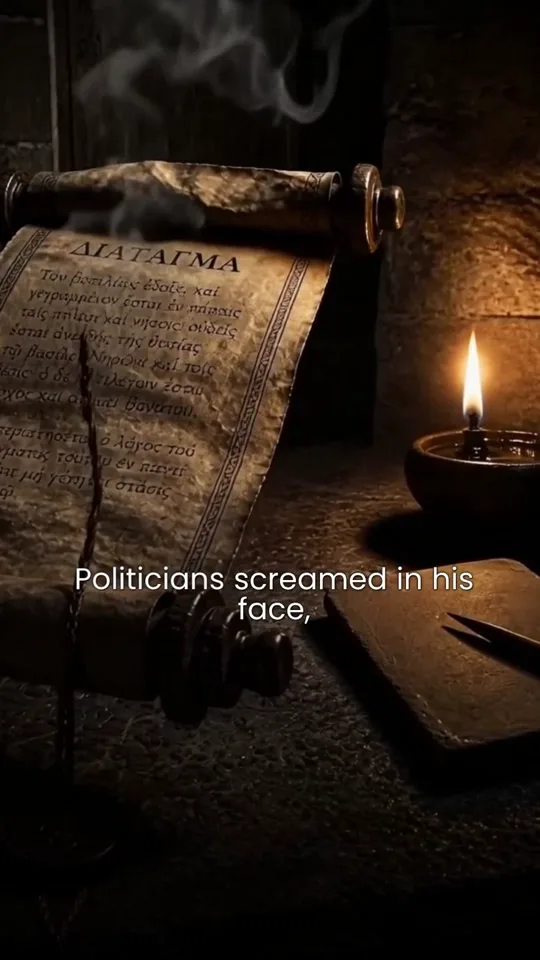
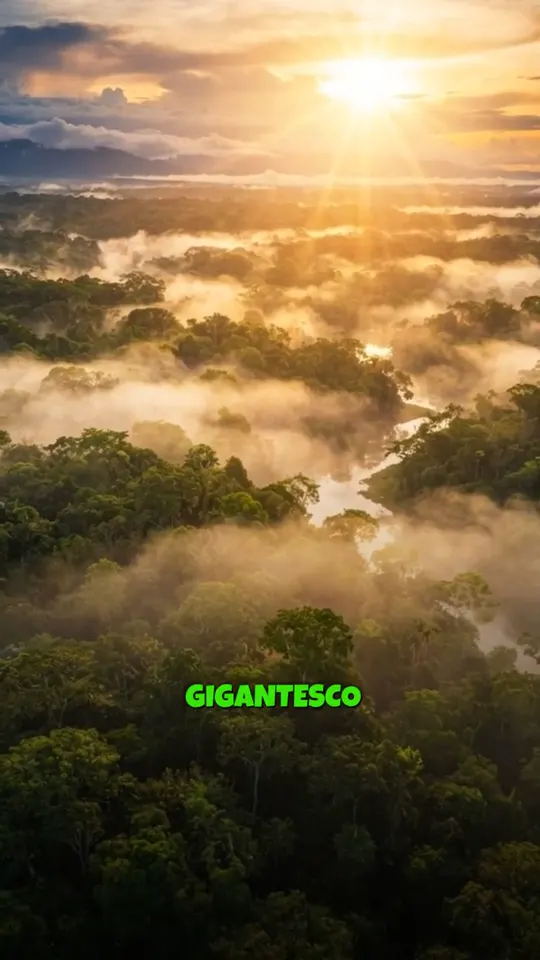
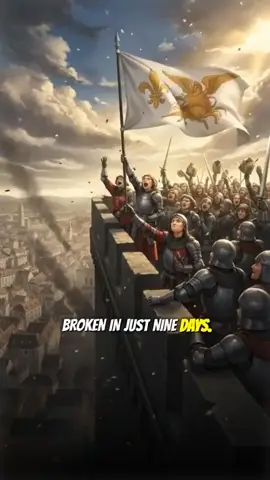
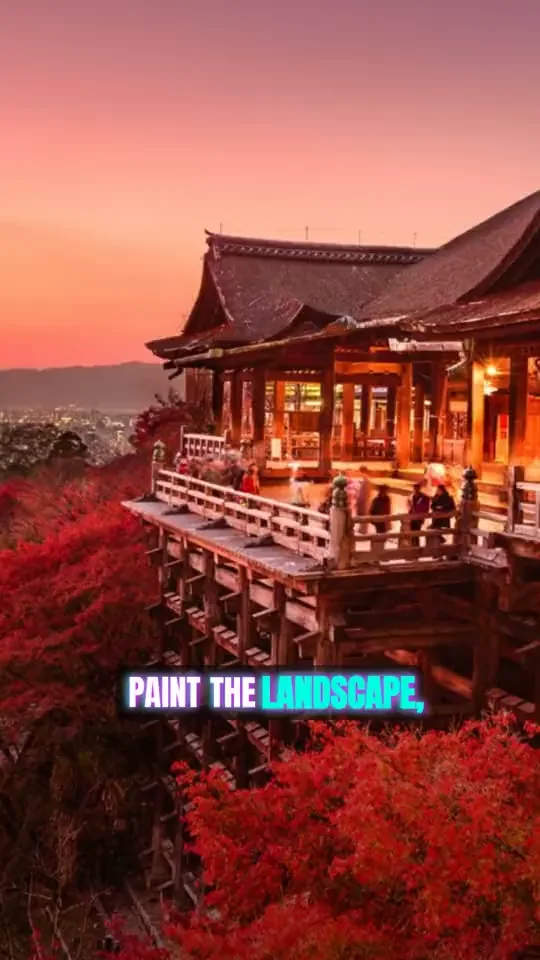
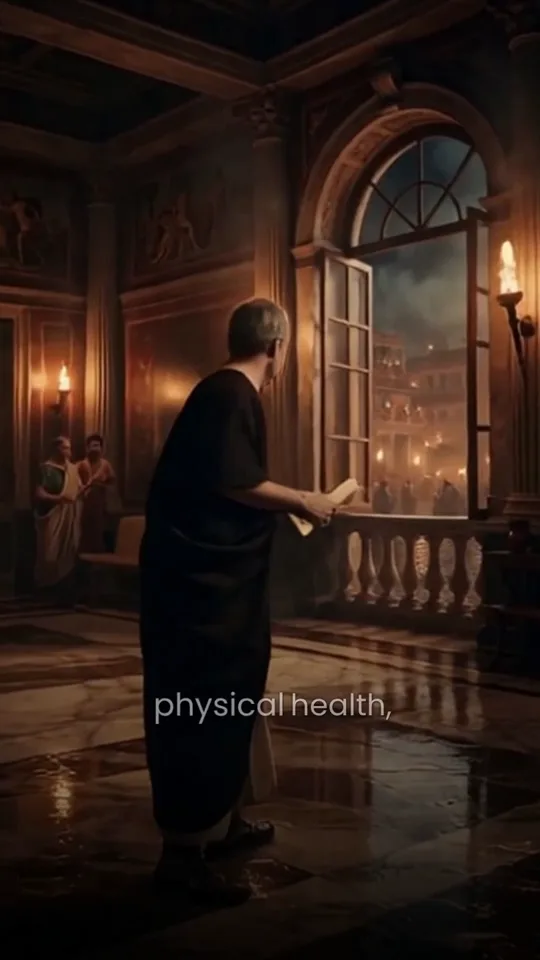
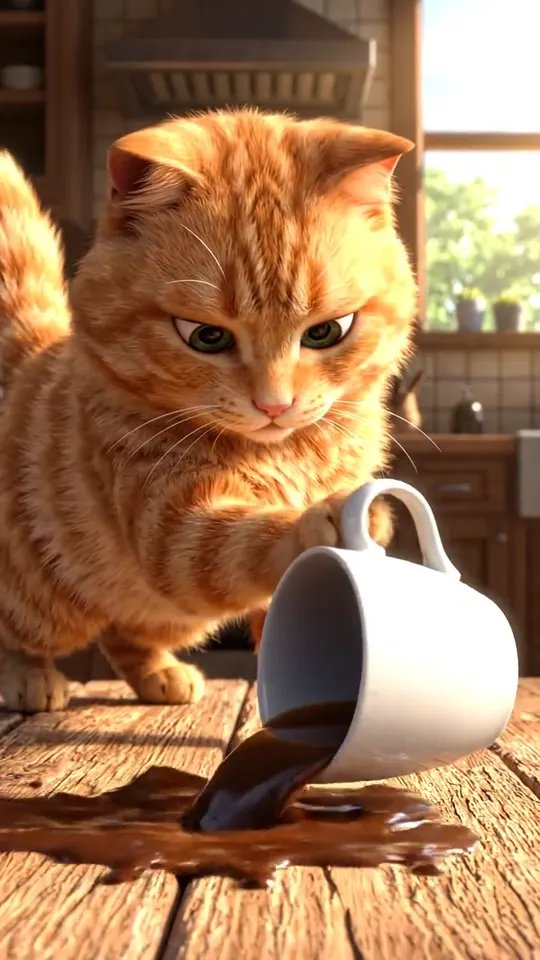
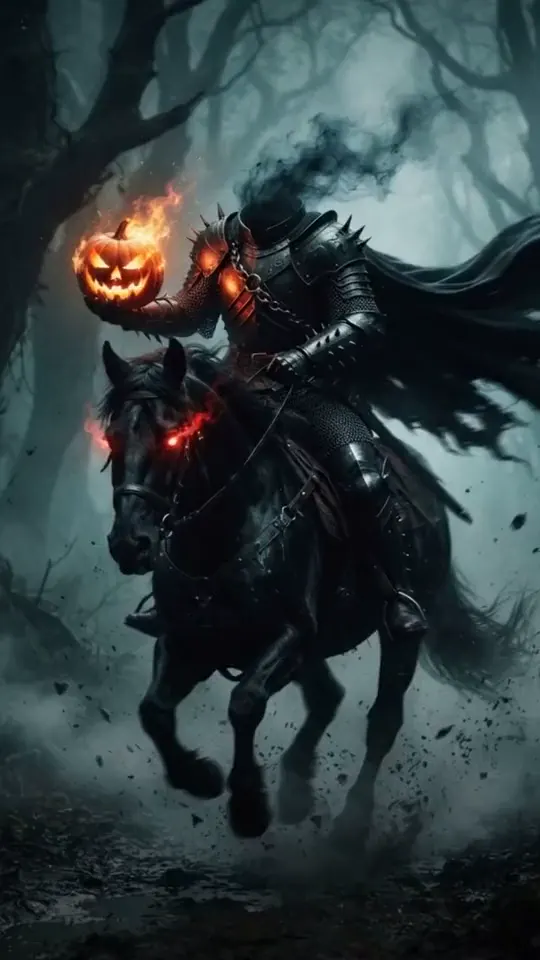
Each video here was made from an idea a few lines long. Point at one to play it; click it to watch it with sound and read the idea.Tap one to watch it with sound and read the idea.
25 looks. One stays for the whole video.
The first picture becomes the reference for every picture after it, so a character and a style hold from the first scene to the last.
- Realistic
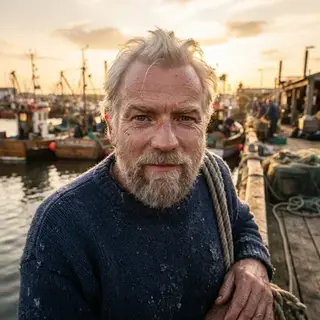
- Cinematic
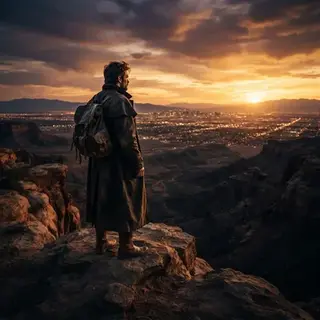
- 3D Cartoon
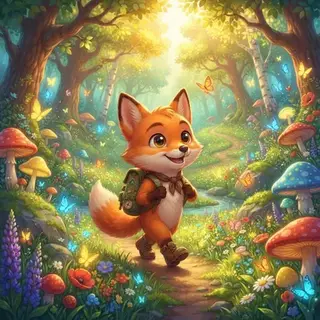
- Cartoon

- Comic Book
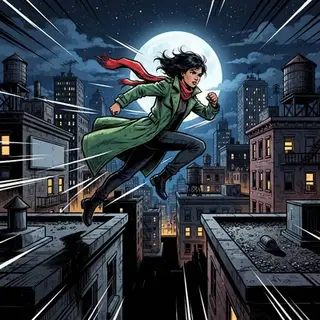
- Storybook
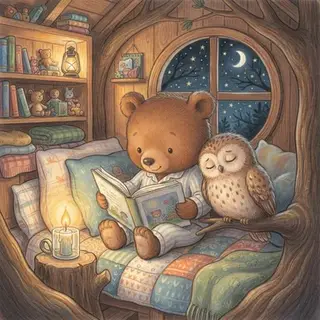
- Anime Realism
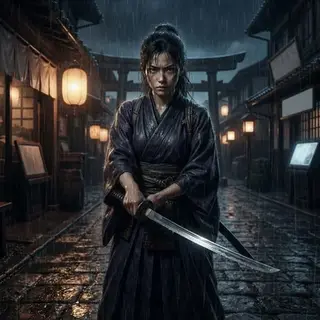
- Anime

- Dreamy Anime

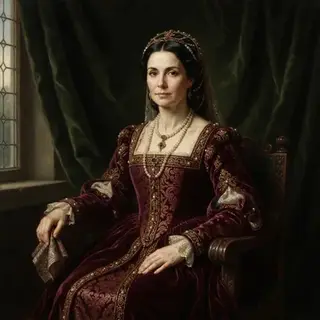
- Oil Portrait
- Watercolor

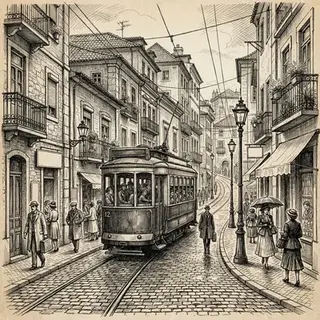
- Ink Sketch
- Pop Art

- Collage

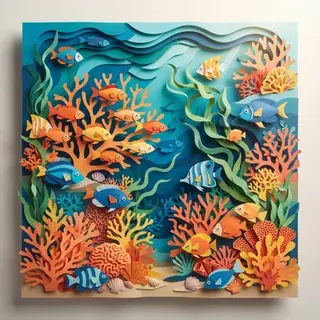
- Paper Cutout
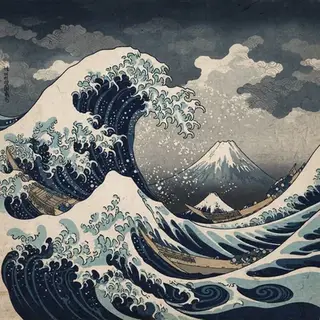
- Ukiyo-e
- Kawaii

- Claymation
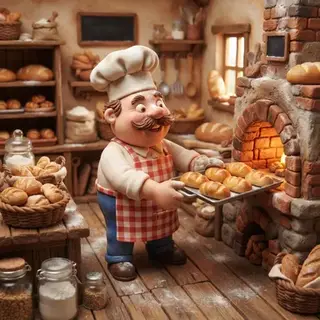
- Pixel Art
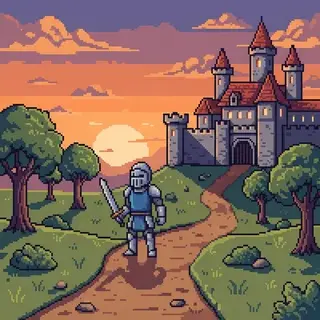
- Low Poly

- Fantasy Epic
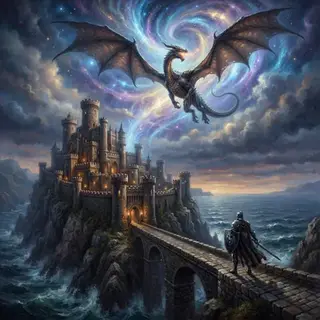
- Cyberpunk
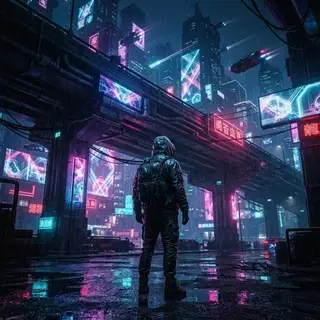
- Vintage Retro

- Noir Film

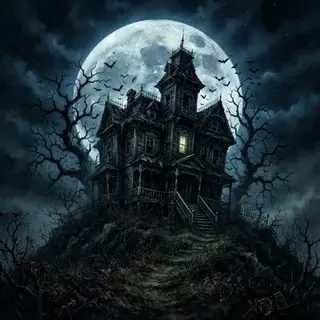
- Spooky
30 languages
Or translate a finished video: the same pictures and voice, new words and captions.
- English
- Spanish
- Portuguese
- French
- German
- Italian
- Arabic
- Russian
- Japanese
- Korean
- Chinese
- Hindi
- Bengali
- Indonesian
- Turkish
- Urdu
- Tamil
- Persian
- Romanian
- Filipino
- Telugu
- Marathi
- Gujarati
- Kannada
- Punjabi
- Polish
- Dutch
- Ukrainian
- Vietnamese
- Malayalam
Run a show,
not one video.
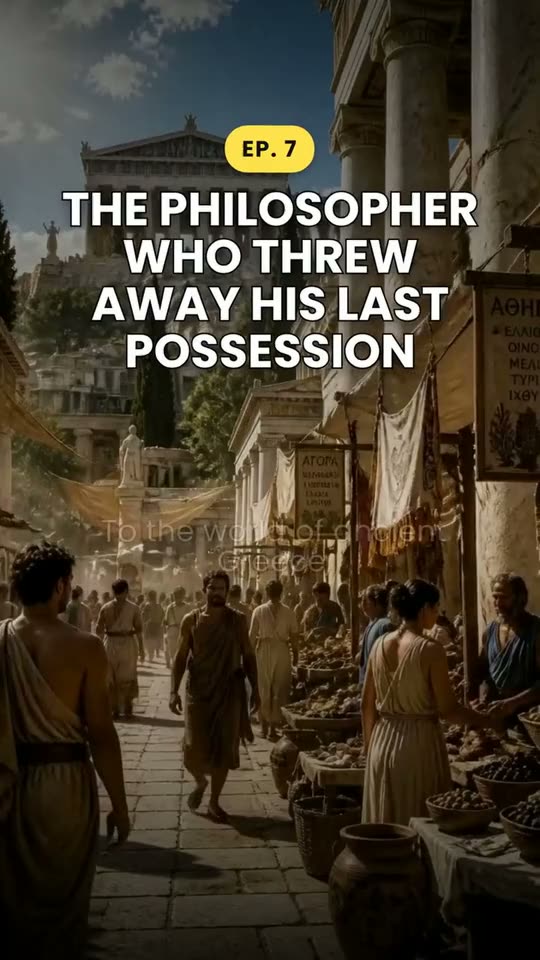
Episodes on one topic on the days you pick, with the same cast in every scene. You approve each idea before it is made.
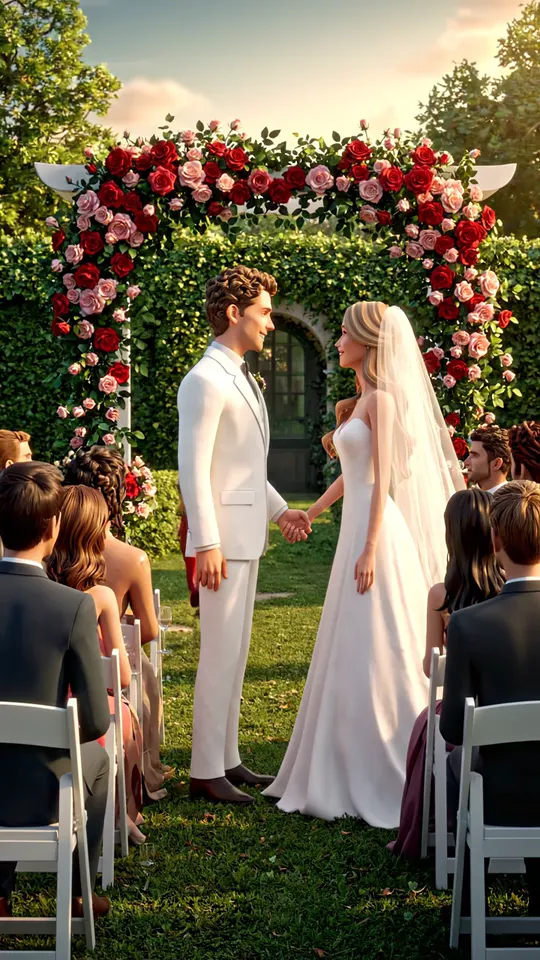 Ep. 01 · live
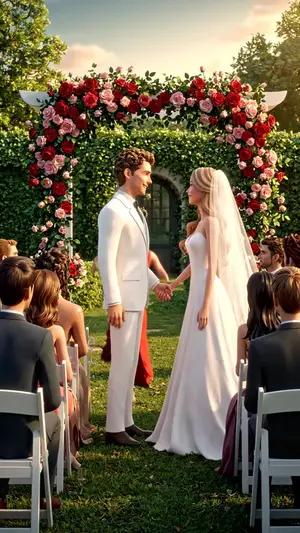 Ep. 1
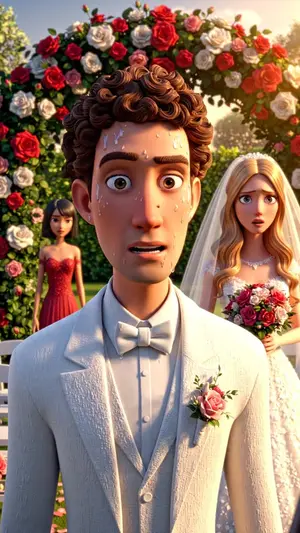 Ep. 2
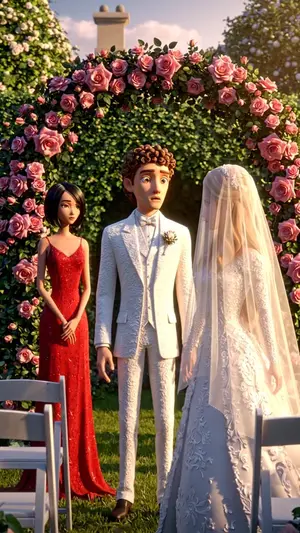 Ep. 3
- Ep. 4The mother of the bride stands up
- Ep. 5The first husband arrives at the reception
From an idea to a video
- 1
Write the idea
One sentence is enough. Pick a look (25 of them), a narrator in 30 languages, a length and a shape, or keep the defaults.
- 2
The agent makes it
Script, pictures, narration, captions and music, while you watch the scenes appear.
- 3
Change it and export
Ask for a change in your own words, or open it in the full editor, then export.
Questions
What is Clip-Short?
Clip-Short (clip-short.com, with a hyphen) is a web app that makes short videos for TikTok, Instagram Reels and YouTube Shorts with AI. Its AI Agent turns a written idea into a narrated, captioned video: script, pictures, voice and music. AI Clipping cuts a long YouTube video or an uploaded file into vertical clips with captions. It also has auto captions, dubbing into English, Spanish, Portuguese, Arabic, French and German, reframing and a video editor in the browser. The site and the app are in English, Spanish, Portuguese, Egyptian Arabic, French and German, and the free plan needs no card. It is not ClipShort (clipshort.co), a different company.
How long does it take to make a video?
A few minutes. The AI Agent writes the script, makes the pictures, records the voice and adds captions and music. You can close the page: we email you when the video is ready.
Can I change the video before I post it?
Yes. Every scene stays editable: swap or redraw a picture, rewrite what the narrator says, restyle the captions or change the music. Then export, or open it in the full editor.
Which languages can it narrate in?
The AI Agent narrates videos in 30 languages, with the captions in the same language. A finished video can be made again in another language, with the same pictures and the same voice.
Is there a free plan?
Yes, for clipping. Every account gets 1 hour of video processing a month for AI Clipping, Auto Caption and Reframe, free, with a small clip-short.com watermark. AI Agent videos are paid: they come with Pro.
How much does Clip-Short cost?
The account and the free plan cost nothing: 60 minutes a month of AI Clipping, Auto Caption and Reframe, with a small watermark. AI Agent videos are paid: Pro at US$19 a month (US$190 a year) per bundle, with 10 AI videos and 5 hours of processing a month.
Where can I post the videos?
Anywhere: you download an MP4 and post it yourself. Videos come in four shapes: 9:16 for TikTok, Instagram Reels, YouTube Shorts and Facebook Reels, 4:5 and 1:1 for posts, and 16:9 for YouTube.
Does Clip-Short post the videos for me?
No. Clip-Short never posts for you. You download each video as an MP4 and post it yourself, on TikTok, Instagram, YouTube or anywhere else. Clip-Short can write the title and the caption for each platform, and a scheduled post is an email that reminds you to post, not an upload.
Can the AI narrate in my own voice?
Yes, on paid plans. You record one sentence, and the AI narrates videos of up to 3 minutes in a voice that sounds like yours.
Is my content safe?
Your videos are stored in Google Cloud Storage and only your account sees them, unless you share one. We do not sell or publish your videos, and you can delete a project at any time.
- AI ClippingA long video becomes its best clips
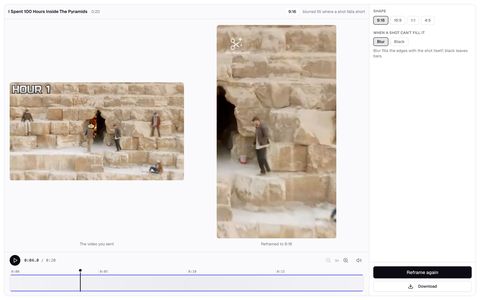
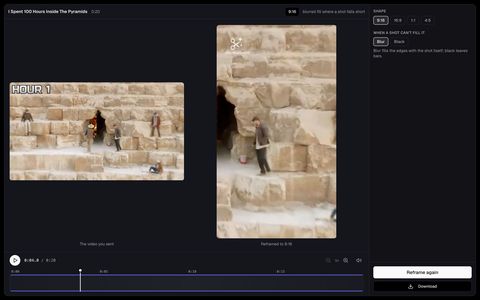
- ReframeAny video in any shape, shot by shot
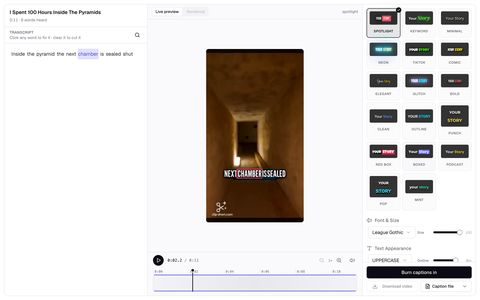
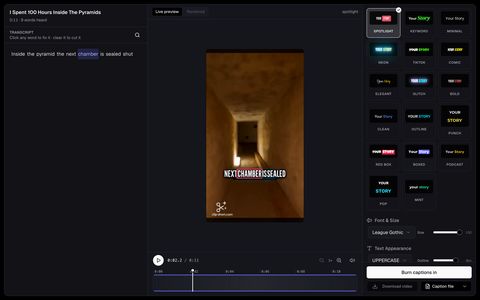
- Auto CaptionCaptions on every word, timed to the voice
- EditorA full editor in your browser

A video every day, if you want one
Switch the idea box to “A series”: it makes a new video on your idea on the schedule you pick, or whenever you ask, and you review each one before it is posted.
- Top 5 countdown video makerWrite a topic and the AI Agent picks five items that fit it, counts them down from the least to the most surprising, and puts each rank and name on screen over narration, images and captions.
- AI quiz video generatorWrite a topic and the AI Agent writes 4 to 6 questions that get harder. Each question shows its options on screen with time to think, then the right answer appears with one surprising fact about it.
- Would you rather video makerWrite a theme and the AI Agent writes a run of "would you rather" questions. Each puts two choices on screen with time to decide, then the narration gives the reasons for each side.
- Text story video generatorWrite an idea and the AI Agent writes an original story between two people, told through their texts: the messages appear on screen one by one while the narration tells what happened between them.
- AI POV video generatorWrite a place and a time and the AI Agent tells it in the second person, "you wake up in Memphis, 1250 BC", with the place, the year and who you are on screen, over images of what you would see.
- Edit a video by chattingTell the video agent what to change; paid steps ask first, and every change can be undone.
- Animated scenes with soundDescribe one moment and get an 8-second animated scene with its own sound and voices.
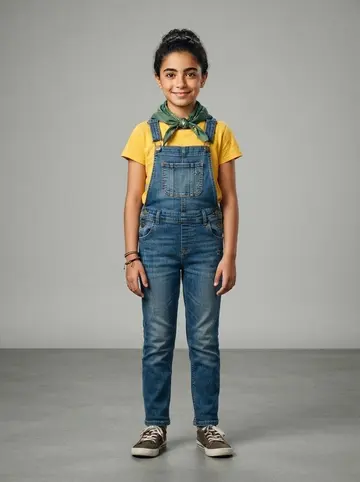
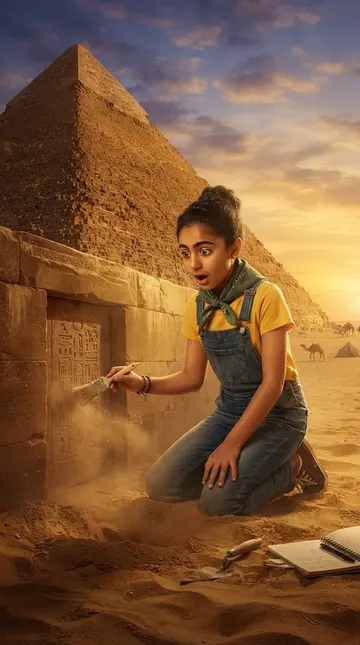
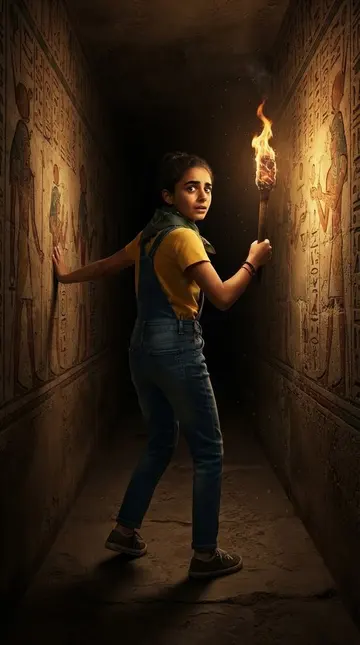
- Characters that keep their lookDraw a character once; the same face, hair and clothes in every video.
- Narrate in your own voiceRead one sentence and your videos sound like you, in 15 languages.
- Translate a videoMake a finished video again in another language, same pictures and voice.
- Introducing AI Video Agent: Turn Ideas into Professional Videos in Minutes
- How to Make an AI Short Drama: Episodes, Hooks, Cliffhangers and a Cast That Stays the Same
- AI Short Drama Ideas: 15 Premises With a First-Episode Hook, by Genre
- How to Edit an AI Video by Chatting With It
- AI Video Generation: Everything You Need to Know in 2026