
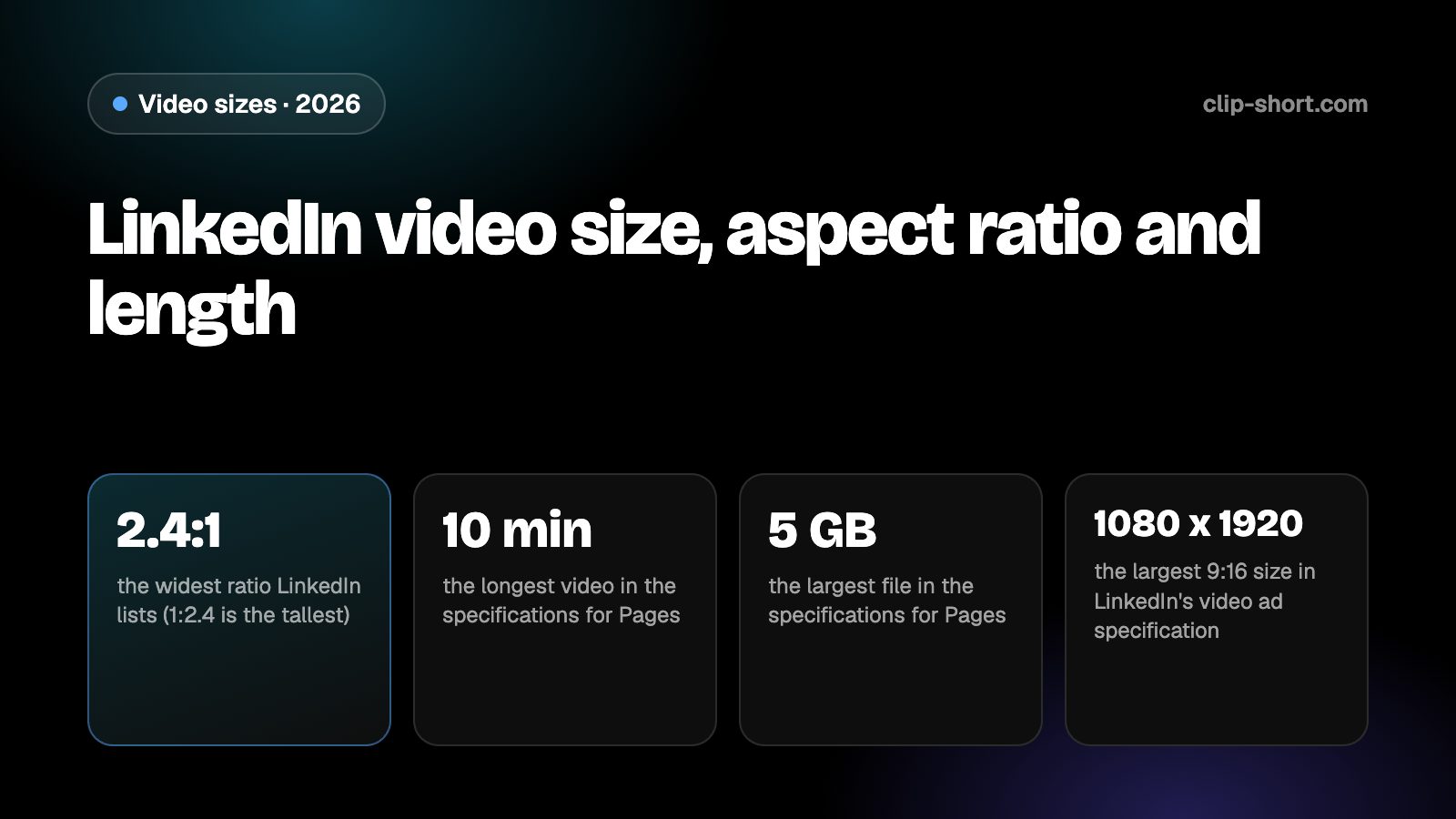
The sizes at a glance
LinkedIn's help page for video specifications, written for LinkedIn Pages and Career Pages, gives ranges rather than one size. The aspect ratio can run from 1:2.4 to 2.4:1, and the resolution from 256 x 144 to 4096 x 2304. A vertical 9:16 video is inside those ranges.
The page does not name a recommended size for ordinary posts. The sizes in the table are arithmetic at 1080 pixels on the short side. The notes quote LinkedIn's separate specification for video ads, which is more exact: it lists 9:16 at 720 x 1280 as recommended, with 360 x 640 to 1080 x 1920 as the range.
- 2.4:1the widest ratio LinkedIn lists (1:2.4 is the tallest)
- 10 minthe longest video in the specifications for Pages
- 5 GBthe largest file in the specifications for Pages
- 1080 x 1920the largest 9:16 size in LinkedIn's video ad specification
| Ratio | Pixels | What LinkedIn says (ad specification) |
|---|---|---|
| 9:16, vertical | 1080 x 1920 | Recommended 720 x 1280; range 360 x 640 to 1080 x 1920 |
| 4:5, portrait | 1080 x 1350 | Recommended vertical ratio, 720 x 900; up to 1080 x 1350 |
| 1:1, square | 1080 x 1080 | Range 360 x 360 to 1920 x 1920 |
| 16:9, horizontal | 1920 x 1080 | Recommended 1920 x 1080 or 1200 x 675 |
The same ad specification calls 4:5 the recommended vertical ratio, at 720 x 900. For square, 1:1 is accepted from 360 x 360 up to 1920 x 1920. These are ad numbers: use them as a guide for posts, not as a rule.
How long a video can be, and the file
The specifications for Pages list a video length of 3 seconds to 10 minutes and a file size from 75 KB to 5 GB, with frame rates from 10 to 60 FPS and bit rates from 192 kbps to 30 Mbps. They say LinkedIn no longer supports AVI, QuickTime or MOV files, so export MP4 to be safe.
The ad specification gives different limits: 3 seconds to 30 minutes, and a file between 75 KB and 500 MB, in MP4. If you promote a post, check the ad numbers as well as the Page ones, because a file that is allowed for a post may be too large for an ad.
- Length: 3 seconds to 10 minutes for Pages.
- File size: 75 KB to 5 GB for Pages, 75 KB to 500 MB for ads.
- Frame rate: 10 to 60 FPS. Format: MP4; MOV is not supported.
Short is not the same as good on LinkedIn. A clear 30-second video with one lesson for one kind of reader often does better than a long one that tries to say everything.
Keep words and faces out of the way
LinkedIn puts its own interface around a video: the poster's name and headline, the caption text and the reaction buttons, whose place depends on whether the video plays in the feed or full screen. Words or faces close to an edge can be covered.
The pages we read give no safe-zone drawing in pixels, so we give no margin numbers. Keep titles, captions and faces toward the middle of the frame, and check the post on a phone before you publish it. Most people watch LinkedIn video with the sound off, so burned-in captions matter more here than on most apps.
Preparing a video for LinkedIn
Horizontal 16:9 is the classic LinkedIn video and it is accepted, but vertical video is taller on a phone feed and takes more of the screen. If you start from a horizontal video, crop it to 9:16 or 4:5 instead of leaving it wide. A 16:9 frame cropped to 9:16 at the same height keeps a little under a third of its width (81 out of 256 parts), so the crop has to follow the speaker.
Think about the reader before the format. A video on LinkedIn works when it gives a professional something to use: a lesson, a result, a short story with a point. Open with the point in the first seconds, say the rest simply, and end with a clear takeaway.
- Export MP4 at 1080 x 1920 for 9:16, or 4:5 for a shorter vertical frame.
- Keep it within 3 seconds and 10 minutes, under 5 GB.
- Do not export MOV: LinkedIn lists it as not supported.
Sound, captions and the first seconds
People watch LinkedIn at a desk, in meetings and on trains, often with the sound off. A caption burned into the picture carries the meaning to them. Add the captions before you export, and keep each line short enough to read at a glance.
The first seconds decide whether a viewer stays. Start with the result, the question or the surprise, and leave out the greeting and the logo. A face talking to the camera, with captions, is the simplest format that works.
Check the finished file on a phone, with the sound off, before you post. Text that looks large in an editor can be small on a handset, and a face that looks centered can sit under the interface.
- Add captions before you export.
- Open on the point, not on a greeting.
- Watch it once on a phone with the sound off.
Making the video once
Clip-Short exports videos in 9:16, 1:1, 4:5 and 16:9, with captions burned into the picture, so one export in the right shape covers LinkedIn and every other app. The AI Agent makes a narrated, captioned video from an idea, and AI Clipping cuts a long video into vertical clips.
The free plan makes 1 AI video a month, up to 1 minute long. That is enough to try the shape on LinkedIn before you plan a series.
It does not change what an app accepts. It only saves you from remaking the file for each one, so the numbers in this guide are the ones to follow.
Before you post a video on LinkedIn
- An aspect ratio inside 1:2.4 to 2.4:1: 9:16 for vertical.
- Exported at 1080 x 1920 for 9:16.
- 3 seconds to 10 minutes, under 5 GB, 10 to 60 FPS.
- MP4, not MOV, with captions burned in.