
The sizes at a glance
Pinterest is more exact than most apps. On its page for reviewing Pin specs it says that for full-screen videos it recommends a 9:16 ratio or a size of 1080 x 1920 pixels, and it lists the other ratios it accepts: 1:2, 2:3, 3:4, 4:5 and 1:1. A Pin is shown in a grid of Pins, so a tall shape is not the only choice here.
The table shows each ratio at 1080 pixels on the short side. Only 1080 x 1920 comes from Pinterest's page; the other sizes are arithmetic from the ratio, and the notes say so. A different size of the same ratio is fine.
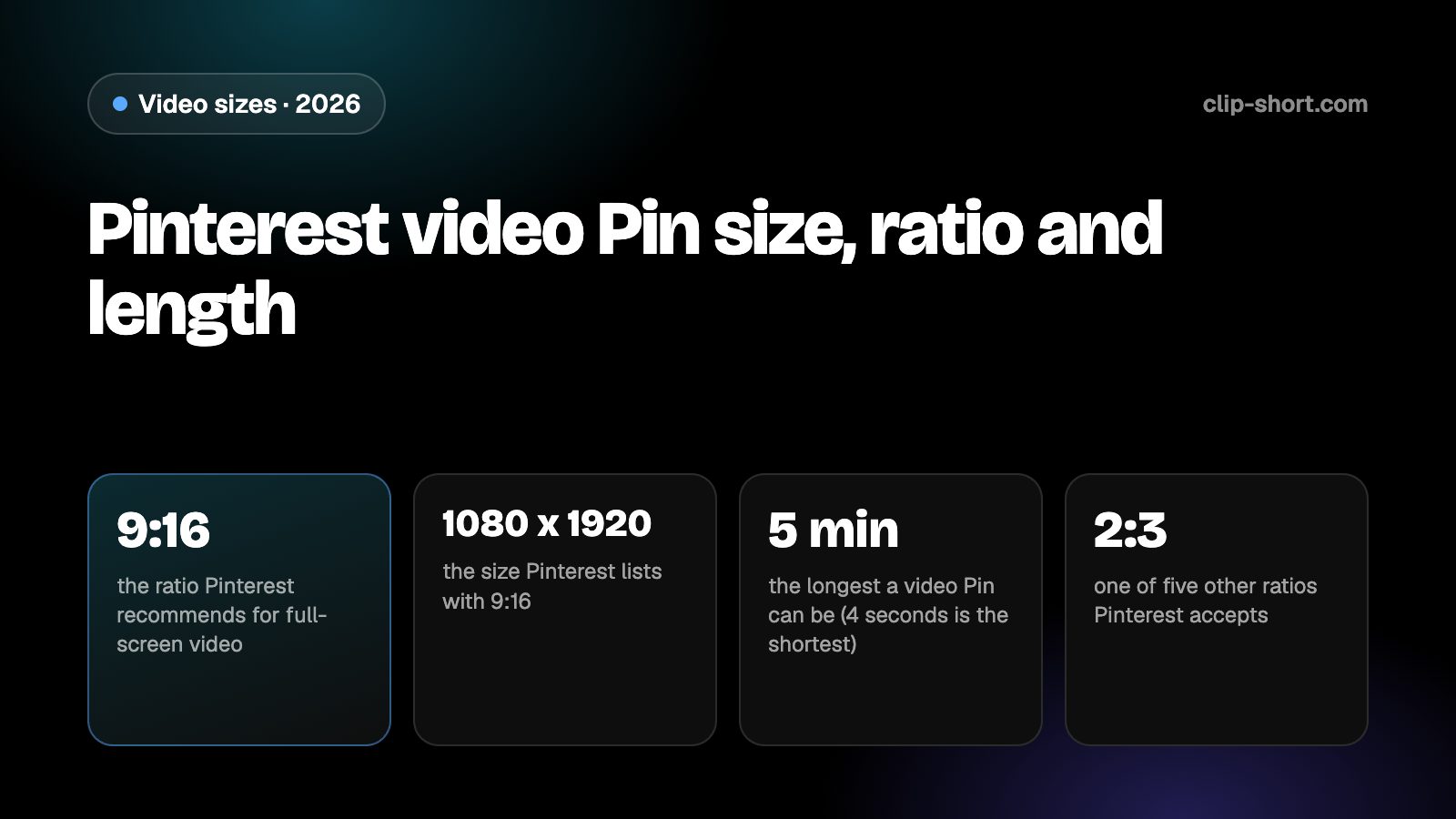
- 9:16the ratio Pinterest recommends for full-screen video
- 1080 x 1920the size Pinterest lists with 9:16
- 5 minthe longest a video Pin can be (4 seconds is the shortest)
- 2:3one of five other ratios Pinterest accepts
| Ratio | Pixels | What Pinterest says |
|---|---|---|
| 9:16, vertical | 1080 x 1920 | Recommended for full-screen video, at this size |
| 1:2, very tall | 1080 x 2160 | Accepted |
| 2:3, tall | 1080 x 1620 | Accepted |
| 3:4, portrait | 1080 x 1440 | Accepted |
| 4:5, portrait | 1080 x 1350 | Accepted |
| 1:1, square | 1080 x 1080 | Accepted |
Pinterest recommends 9:16 only for full-screen video. For the other ratios, think about how the Pin looks in the grid: a taller Pin takes more room, and a very tall one can be cropped in some views.
How long a video Pin can be, and the file
Pinterest lists the length of a video Pin as a minimum of 4 seconds and a maximum of 5 minutes. For the file, it lists MP4 and M4V on the web, and MP4, MOV and M4V on Android and iOS, with H.264 or H.265 encoding. The page for video Pins gives no file size, so we state none.
Pinterest's separate page for video ads lists a different range: MP4, MOV or M4V files up to 2 GB, 4 seconds to 15 minutes, with 6 to 15 seconds recommended for video ads. Those are the numbers for paid video, not for the Pin you post yourself.
- Length: 4 seconds to 5 minutes.
- File types: MP4 or M4V on the web, plus MOV on Android and iOS.
- Encoding: H.264 or H.265.
People save Pins to come back to, so a longer Pin can work if it teaches or shows something worth keeping. Start with the result, then the steps.
Keep words and faces out of the way
Pinterest places its own title, buttons and sometimes a description over or around a Pin, and what shows depends on where the Pin is seen: in the grid, full screen or in search. Text close to an edge can be hidden by them.
Pinterest's pages that we read give no safe-zone drawing in pixels, so we give no margin numbers. Keep titles, captions and faces toward the middle of the frame, and check the Pin in the app before you publish it. Captions burned into the picture still read when the sound is off.
Preparing a video Pin
If your footage is horizontal, crop it to a ratio Pinterest accepts instead of uploading it wide. A 16:9 frame cropped to 9:16 at the same height keeps a little under a third of its width (81 out of 256 parts), so the crop has to follow the subject. A crop fixed on the middle cuts people off as soon as they move.
Pinterest is a place where people search for ideas, so think about what the Pin is for: a recipe, a how-to, a before and after. Show the result in the first seconds, then the method, and make the caption on screen say what the Pin is about, because the words in a video are what a viewer reads first.
- Export 9:16 at 1080 x 1920 for full-screen video.
- Keep it between 4 seconds and 5 minutes.
- Use MP4 or M4V with H.264 or H.265.
Sound, captions and the first seconds
Many people browse Pinterest with the sound off, so a caption burned into the picture carries the meaning. Add the captions before you export and keep each line short enough to read at a glance.
A Pin that people save is one that answers a question. If the video shows a method, put the key step or the finished result on screen as text, so a viewer who only glances still knows what to save.
Open on the point. The first seconds decide whether a viewer stays, so start with the result and leave the introduction out. When the export is done, watch it once in the app on a phone with the sound off.
- Add captions before you export.
- Show the result in the first seconds.
- Watch it once in the app with the sound off.
Making the video once
Clip-Short exports videos in 9:16, 1:1, 4:5 and 16:9, with captions burned into the picture, so one export in the right shape covers Pinterest and every other app. The AI Agent makes a narrated, captioned video from an idea, and AI Clipping cuts a long video into vertical clips.
The free plan makes 1 AI video a month, up to 1 minute long. That is enough to try the shape on Pinterest before you plan a series.
It does not change what an app accepts. It only saves you from remaking the file for each one, so the numbers in this guide are the ones to follow.
Before you publish a video Pin
- A ratio Pinterest accepts: 9:16 for full screen.
- Exported at 1080 x 1920 for 9:16.
- 4 seconds to 5 minutes long.
- MP4, M4V or MOV, in H.264 or H.265.