
The sizes at a glance
TikTok does not publish one page called "video size" for ordinary posts. The closest thing is its specification for in-feed ads, which says vertical 9:16 is recommended, at 540 x 960 pixels or more, and which also accepts square 1:1 at 640 x 640 or more and horizontal 16:9 at 960 x 540 or more. Those are minimums, written for ads.
For a normal post, the safe reading is to follow the same shapes. Export vertical 9:16 at 1080 x 1920, which is simply 1080 pixels on the short side and well above every minimum. The pixel sizes in the table are arithmetic from that rule, and the notes say what TikTok itself states.
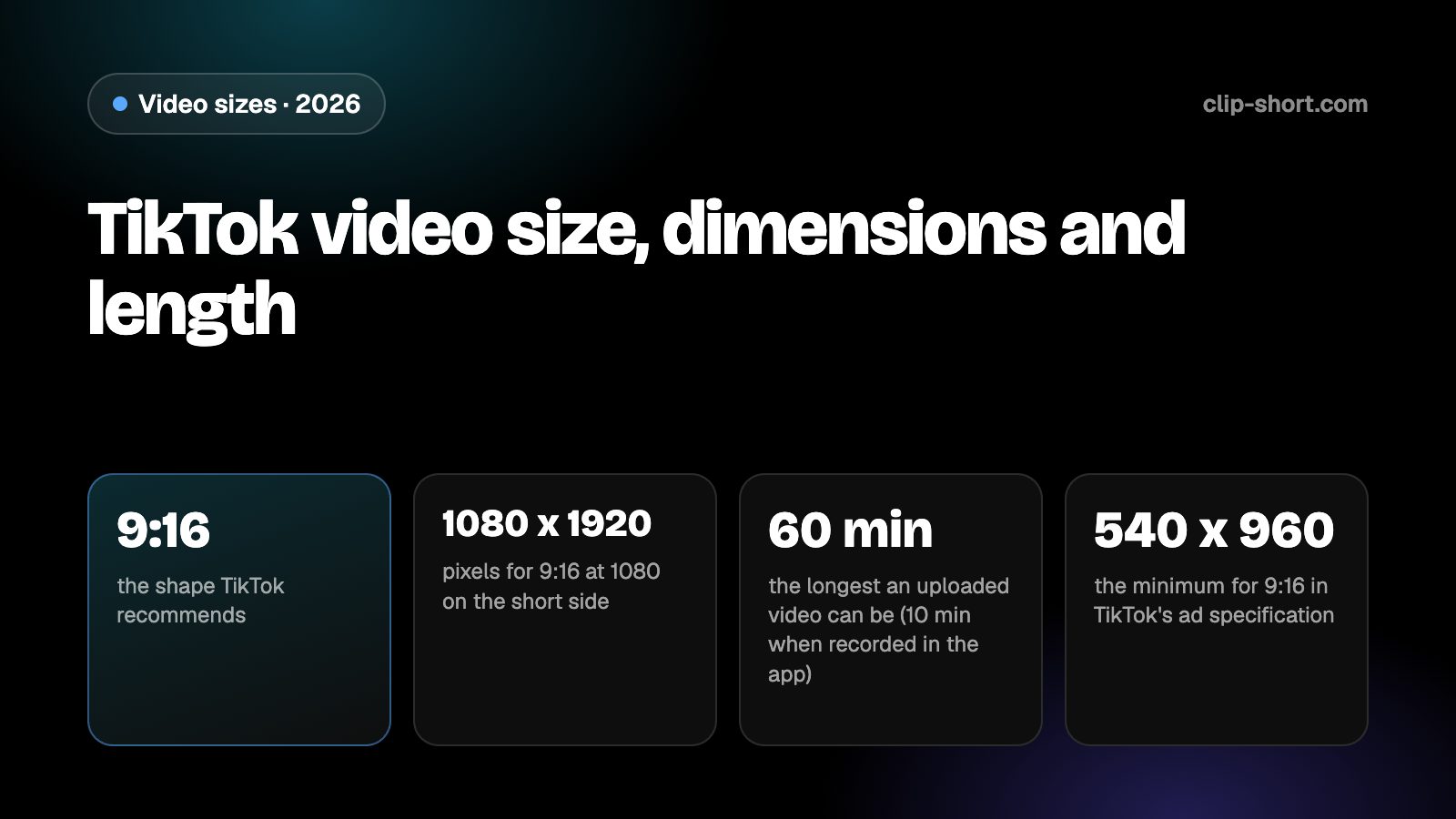
- 9:16the shape TikTok recommends
- 1080 x 1920pixels for 9:16 at 1080 on the short side
- 60 minthe longest an uploaded video can be (10 min when recorded in the app)
- 540 x 960the minimum for 9:16 in TikTok's ad specification
| Shape | Pixels | What TikTok says |
|---|---|---|
| 9:16, vertical | 1080 x 1920 | Recommended. The ad specification asks for 540 x 960 or more |
| 1:1, square | 1080 x 1080 | Accepted. The ad specification asks for 640 x 640 or more |
| 16:9, horizontal | 1920 x 1080 | Accepted. The ad specification asks for 960 x 540 or more |
| 4:5, portrait | 1080 x 1350 | Not listed in the specification we read |
The ad specification also lists MP4, MOV, MPEG, 3GP and AVI files, a file size of 500 MB or less and a bitrate of 516 kbps or more. Those figures are for ads; for a normal post, TikTok's pages we read give no file size.
How long a TikTok can be
TikTok has two limits. A video you record in the TikTok app can be up to 10 minutes long, and a video you make somewhere else and upload can be up to 60 minutes. If you pick a sound before you record or upload, the length of the sound sets the length of the video.
Length also decides what can earn. TikTok's Creator Rewards Program pays only for original videos longer than a minute, so a 50-second video can do well on TikTok and still not count for the program. If you count on the program, plan videos over a minute from the start.
- Recorded in the app: up to 10 minutes.
- Uploaded from your phone or computer: up to 60 minutes.
- Creator Rewards: original videos longer than a minute.
Longer is not better by itself. A video should be as long as its idea; padding it to pass a threshold costs you viewers.
Where TikTok draws over your video
TikTok puts its own interface on top of every video: the caption and account name along the bottom, and the like, comment, share and sound buttons down the right side. Words or faces under them are hard to see.
TikTok publishes safe-zone files for its ad formats that show where those elements sit. The standard file is for every region except Arabic, which has a separate right-to-left file because the layout is mirrored. We give no margin numbers: the pixel positions are in those files, so download the one for your region and place your text inside it.
Preparing a video for TikTok
If you start from a horizontal video, you have two options: crop it to 9:16 or keep it wide and accept bars above and below. A 16:9 frame cropped to 9:16 at the same height keeps a little under a third of its width (81 out of 256 parts), so the crop has to follow the subject. A crop fixed on the middle cuts people off as soon as they move.
If you post the same video on several apps, export it once and check it against the strictest limit among them. A video that is vertical, under 3 minutes and over 30 frames per second fits most of the other short-video apps as well.
- Export 9:16 at 1080 x 1920 for ordinary posts.
- Decide the length first: over a minute for Creator Rewards.
- Keep text and faces inside the safe-zone file for your region.
Sound, captions and the first seconds
TikTok starts every video with the sound on, but a large share of people scroll in public with it off, so captions carry the meaning for them. Burn the captions into the picture before you export, so they travel with the file if you post it elsewhere.
A sound you choose before recording or uploading sets the video's length, so choose the sound first when the length matters, and cut the footage to fit it afterwards. If you use your own voice, the length is whatever you record, up to the limit.
Open on the point. The first seconds decide whether the next video wins, so start with the result, the question or the surprise, and leave out greetings and logos. Then check the finished export on a phone, with the sound off, before you post.
- Add captions before you export.
- Pick the sound before you cut when the length matters.
- Watch the export once on a phone with the sound off.
Making the video once
Clip-Short exports videos in 9:16, 1:1, 4:5 and 16:9, with captions burned into the picture, so one export in the right shape covers TikTok and every other app. The AI Agent makes a narrated, captioned video from an idea, and AI Clipping cuts a long video into vertical clips.
The free plan makes 1 AI video a month, up to 1 minute long. That is enough to try the shape on TikTok before you plan a series.
It does not change what an app accepts. It only saves you from remaking the file for each one, so the numbers in this guide are the ones to follow.
Before you post on TikTok
- Vertical 9:16, exported at 1080 x 1920.
- Within 10 minutes if recorded in the app, or 60 if uploaded.
- Longer than a minute if you count on Creator Rewards.
- Text and faces inside the safe zone for your region.