
The sizes at a glance
The clearest numbers come from Meta's developer page for publishing Reels. It names the shape as 9 x 16, says the video must sit between 16x9 and 9x16, and gives 1080 x 1920 pixels as the recommended size and 540 x 960 as the minimum. It is written for apps that publish reels through Meta's systems, so treat it as Meta's own statement of what a reel should be.
The table shows the shapes at 1080 pixels on the short side. The pixel sizes for 1:1, 4:5 and 16:9 are arithmetic from that rule: Meta's page says the range runs between 16x9 and 9x16, so those shapes sit inside it, but it recommends 9:16, which fills a phone held upright.
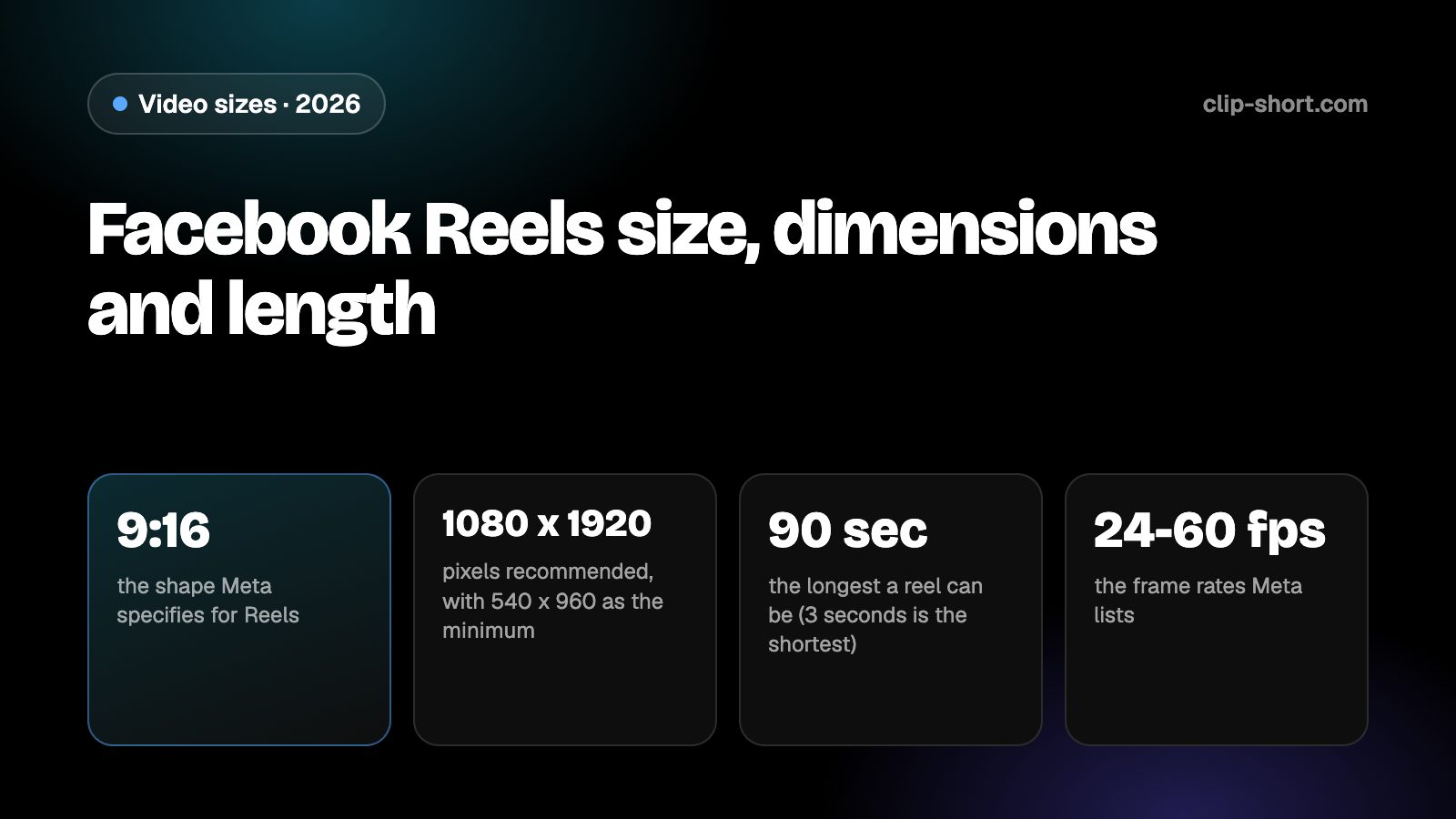
- 9:16the shape Meta specifies for Reels
- 1080 x 1920pixels recommended, with 540 x 960 as the minimum
- 90 secthe longest a reel can be (3 seconds is the shortest)
- 24-60 fpsthe frame rates Meta lists
| Shape | Pixels | On Facebook |
|---|---|---|
| 9:16, vertical | 1080 x 1920 | Recommended. The minimum is 540 x 960 |
| 4:5, portrait | 1080 x 1350 | Inside the range, but it does not fill the screen |
| 1:1, square | 1080 x 1080 | Inside the range, with space above and below |
| 16:9, horizontal | 1920 x 1080 | The edge of the range. It plays small on a vertical screen |
The same page lists MP4 as the recommended type, H.264 or H.265 for the video and AAC for the sound, at 48 kHz stereo and 128 kbps or more. A phone or an editor exporting an MP4 with those settings is within it.
How long a reel can be
Meta lists the length of a reel as 3 to 90 seconds, and the frame rate as 24 to 60 frames per second, with a fixed frame rate and progressive scan. A video shorter than 3 seconds, or longer than 90, is outside what that page specifies.
Ninety seconds is shorter than the limit on some other apps, so a video made for a longer platform needs cutting before it goes here. Cut at a natural break, so that each part works on its own and the ending lands before the limit.
- Length: 3 to 90 seconds.
- Frame rate: 24 to 60 frames per second, fixed.
- File: MP4 recommended, H.264 or H.265, AAC stereo sound.
Which reels earn money on Facebook is a separate question from what counts as a reel. Our Facebook guides cover Meta's programs.
Keep words and faces out of the way
Facebook draws its own interface over a reel: the page or profile name and caption along the bottom, and the reaction, comment and share buttons down the right side. Words or faces under them are hard to see.
Meta's page for publishing Reels does not give a safe-zone drawing in pixels, so we give no margin numbers. Keep titles, captions and faces toward the middle of the frame, away from the bottom and from the right side, and check the reel in the app before you publish it, where the real interface appears.
Preparing a reel for Facebook
If your footage is horizontal, crop it to 9:16 instead of leaving it wide. A 16:9 frame cropped to 9:16 at the same height keeps a little under a third of its width (81 out of 256 parts), so the crop has to follow the speaker or the action. A crop fixed on the middle cuts people off as soon as they move.
If you post the same video on Instagram and YouTube Shorts, export one 9:16 file at 1080 x 1920 and check it against each app's length: 90 seconds here is the tightest of the three for a reel. Then export again only if you change the shape or the captions.
- Export 9:16 at 1080 x 1920, never below 540 x 960.
- Keep the video between 3 and 90 seconds.
- Use MP4 with H.264 or H.265 and AAC stereo sound.
Sound, captions and the first seconds
People scroll Facebook in waiting rooms and on buses, often with the sound off, so a caption burned into the picture is how the meaning reaches them. Add the captions before you export, and keep each line short enough to read at a glance.
The sound specification matters too: AAC stereo at 48 kHz and 128 kbps or more is what Meta lists. A reel with a quiet, thin or clipped voice loses people quickly, so listen to the finished file with headphones once and fix the level before you post.
Open on the point. The first seconds decide whether a viewer stays, so start with the result, the question or the surprise and leave the introduction out. When the export is done, watch it once in the app on a phone with the sound off.
- Add captions before you export.
- Check the sound level with headphones.
- Watch it once in the app with the sound off.
Making the video once
Clip-Short exports videos in 9:16, 1:1, 4:5 and 16:9, with captions burned into the picture, so one export in the right shape covers Facebook and every other app. The AI Agent makes a narrated, captioned video from an idea, and AI Clipping cuts a long video into vertical clips.
The free plan makes 1 AI video a month, up to 1 minute long. That is enough to try the shape on Facebook before you plan a series.
It does not change what an app accepts. It only saves you from remaking the file for each one, so the numbers in this guide are the ones to follow.
Before you post a reel on Facebook
- Vertical 9:16, at least 540 x 960.
- Exported at 1080 x 1920, the recommended size.
- 3 to 90 seconds, at 24 to 60 frames per second.
- MP4, H.264 or H.265, AAC stereo sound.