
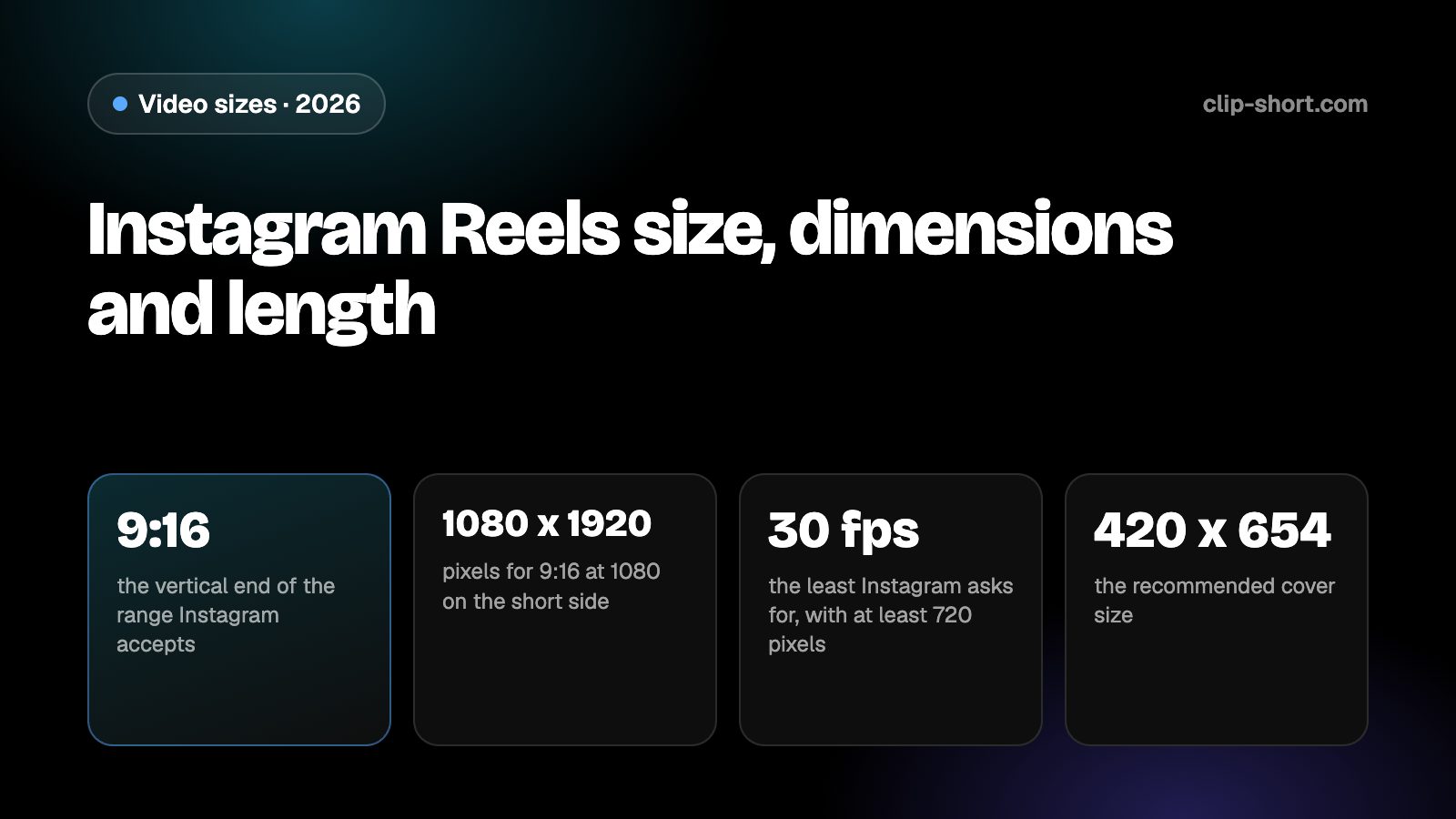
The sizes at a glance
Instagram does not demand one size. It takes a reel in any shape from 1.91:1, which is wider than 16:9, to 9:16. The pixel size only decides how sharp the picture looks, and Instagram asks for at least 720 pixels and at least 30 frames per second.
Reels are made for the vertical end of that range, because a 9:16 video fills a phone held upright. The table shows the shapes you will meet at 1080 pixels on the short side. Those pixel sizes are our arithmetic from the rule, not figures Instagram prints.
- 9:16the vertical end of the range Instagram accepts
- 1080 x 1920pixels for 9:16 at 1080 on the short side
- 30 fpsthe least Instagram asks for, with at least 720 pixels
- 420 x 654the recommended cover size
| Shape | Pixels | On Instagram |
|---|---|---|
| 9:16, vertical | 1080 x 1920 | The vertical end of the range. Fills a phone held upright |
| 4:5, portrait | 1080 x 1350 | Inside the range, but it does not fill the screen |
| 1:1, square | 1080 x 1080 | Inside the range, with space above and below |
| 16:9, horizontal | 1920 x 1080 | Inside the range, but it plays small on a vertical screen |
A bigger file of the same shape is fine, and a smaller one plays down to the minimum. If your footage was shot at more than 30 frames per second, keep that rate.
How long a reel can be, and the cover
Reels can be up to 20 minutes long. But Instagram says reels over 3 minutes will not be recommended to new audiences. If a reel is meant to reach people who do not follow you yet, keep it to 3 minutes.
The recommended cover photo is 420 x 654 pixels, a ratio of 1:1.55. Instagram says the cover cannot be changed after the reel is uploaded, so choose it before you post. A cover with the title or the key face in the middle will still read well in a grid that crops it.
- Length: up to 20 minutes.
- Recommended to new audiences: 3 minutes or less.
- Cover: 420 x 654, fixed once the reel is posted.
Longer reels are for people who already follow you and want more. A reel that has to win new viewers should say its point inside the first seconds and finish soon after.
Keep words and faces out of the way
Instagram draws its own interface over a reel: the account name and caption along the bottom, and the like, comment, share and audio controls down the right side. Words or faces under them are hard to see.
The help pages we read do not give a safe-zone drawing in pixels, so we give no margin numbers. Keep titles, captions and faces toward the middle of the frame, away from the bottom and from the right side, and check the finished reel in the app before you publish it, where the real interface appears.
Preparing a reel
If your footage is horizontal, you can post it inside the range, but it will be a small picture on a tall screen. A 16:9 frame cropped to 9:16 at the same height keeps a little under a third of its width (81 out of 256 parts), so the crop has to follow the speaker or the action. A crop fixed on the middle cuts people off as soon as they move.
If you start from a long video, cut the strongest moments into separate reels. Each should make sense alone: a clear first second, one idea and an ending. Then check the numbers in the checklist below against the file you exported.
- Export 9:16 at 1080 x 1920 for reels made for the phone.
- Keep the frame rate at 30 frames per second or more.
- Choose the cover before you post: it cannot be changed.
Sound, captions and the first seconds
A lot of people watch reels with the sound off, so a caption burned into the picture is the way the meaning reaches them. Add the captions before you export, and keep each line short enough to read at a glance.
Instagram's own pages ask for at least 30 frames per second and at least 720 pixels, so a file below either number is the first thing to fix if a reel looks soft or choppy. A phone video at its default settings usually passes both.
Open on the point. The first seconds decide whether a viewer stays, so start with the result, the question or the surprise and leave the introduction out. When the export is done, watch it once in the app on a phone with the sound off.
- Add captions before you export.
- Check the frame rate and resolution of the exported file.
- Watch it once in the app with the sound off.
Making the video once
Clip-Short exports videos in 9:16, 1:1, 4:5 and 16:9, with captions burned into the picture, so one export in the right shape covers Instagram and every other app. The AI Agent makes a narrated, captioned video from an idea, and AI Clipping cuts a long video into vertical clips.
The free plan makes 1 AI video a month, up to 1 minute long. That is enough to try the shape on Instagram before you plan a series.
It does not change what an app accepts. It only saves you from remaking the file for each one, so the numbers in this guide are the ones to follow.
Before you post a reel
- The shape is 9:16, or at least inside 1.91:1 to 9:16.
- At least 720 pixels and at least 30 frames per second.
- Exported at 1080 x 1920 for 9:16.
- Cover chosen before posting: 420 x 654.