
AI video generator
Type an idea.Get a finished video.
Clip-Short is an AI video generator. Write one sentence and get a narrated, captioned short video for TikTok, Reels and YouTube Shorts. Then ask for any change, or open the full editor.
- Used by 10,000+ creators
- 30 narration languages
- Free plan: 1 hour of clipping, no card

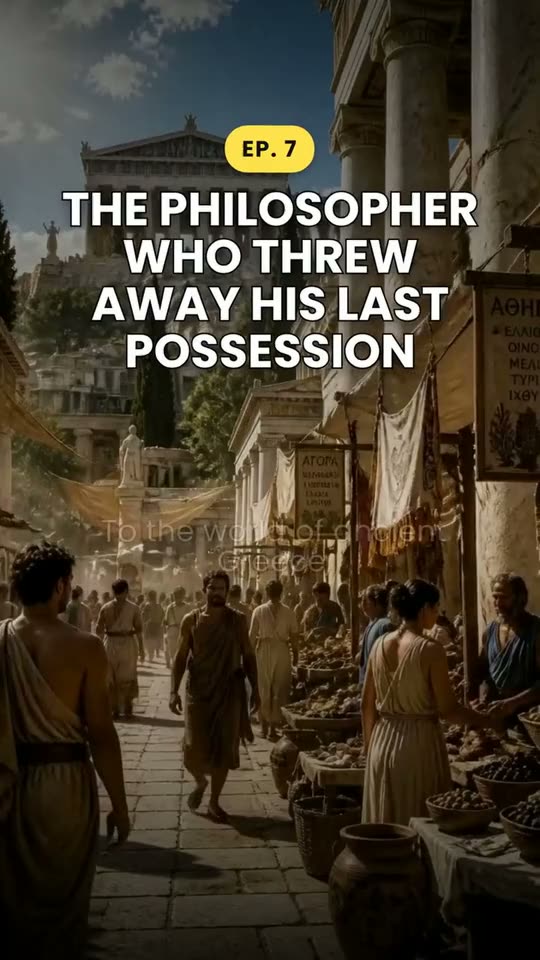
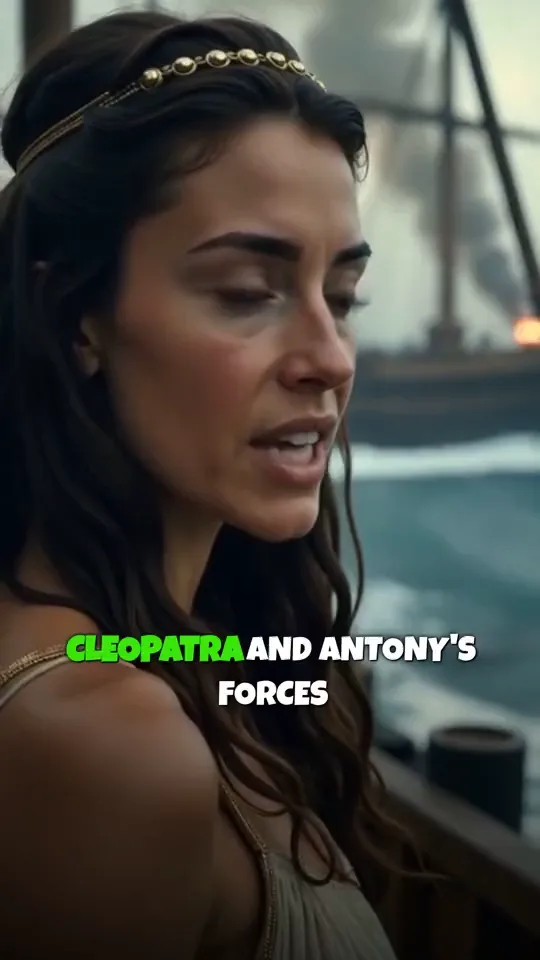
Create a video about queen Cleopatra
- Used by 10,000+ creators
- 30 narration languages
- Free plan: 1 hour of clipping, no card
- No credit card to sign up
- 3 Pro videos for , no subscription
- 1 free hour of clipping a month
- 30 narration languages
- No watermark on Pro
- Pro from /mo
AI Clipping · Reframe
Paste a long video.Get its best clips.
Paste a YouTube link, or upload a podcast, a stream or an interview. AI Clipping watches and listens to the whole video, picks the moments that stand on their own and scores each out of 100. Every clip is reframed to keep whoever is talking in frame, and captioned word by word.
- Scored out of 100
- 9:16, 1:1, 4:5 or 16:9
- Captions on every word
Free plan: 1 hour of clipping a month, no card.
How AI Clipping works
 #198
 #292
 #388
 #485
Follows whoever is talking, shot by shot. Every word captioned.
9:161:14:516:9Every one of these
started as a sentence.
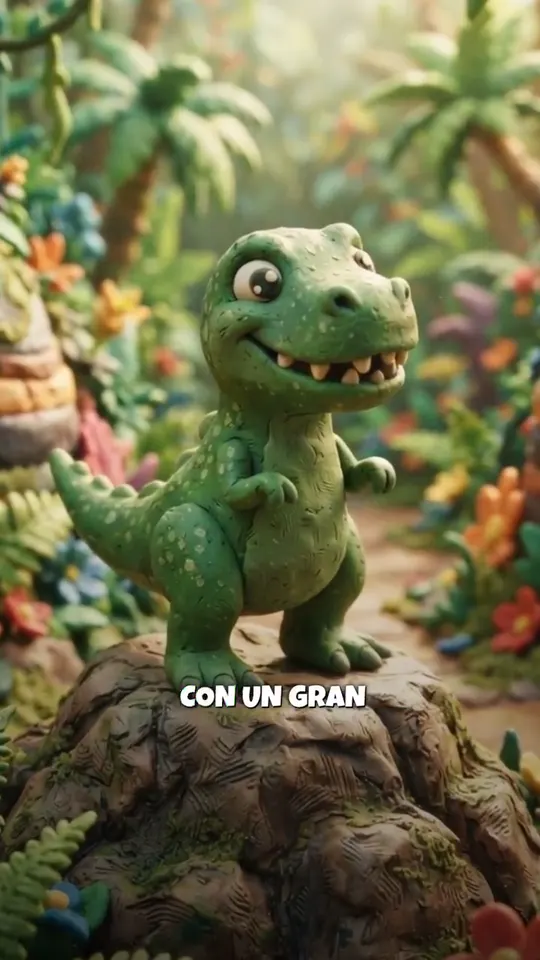
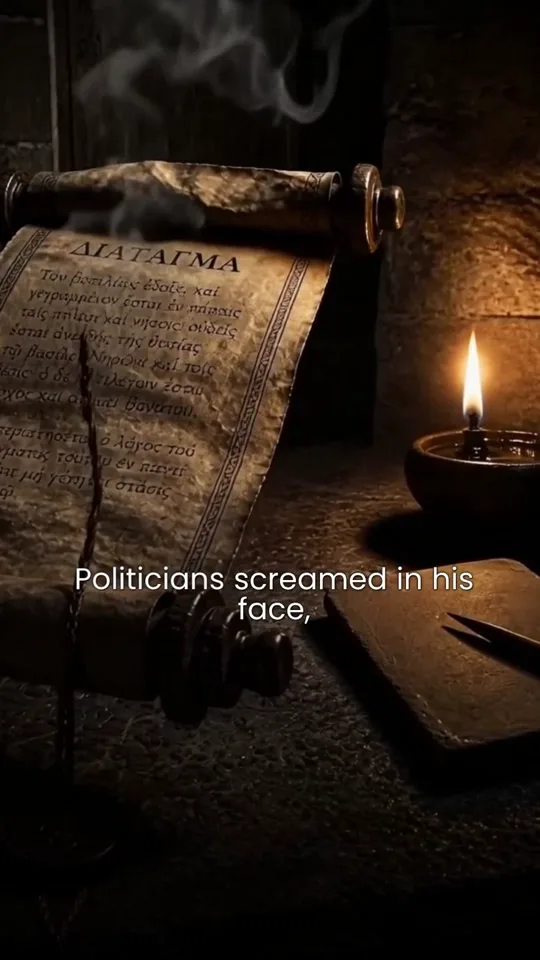
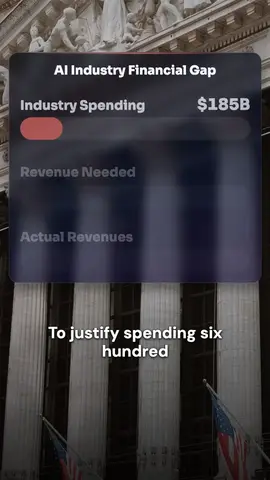
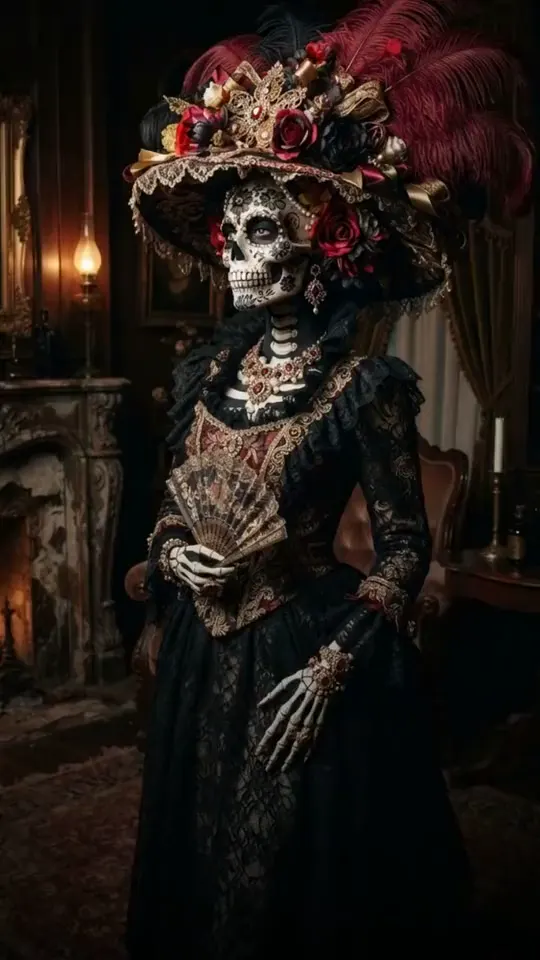
Stories, explainers, kids’ tales and news, in English, Spanish, Portuguese and Arabic. Open any one to read the idea it was made from, word for word.
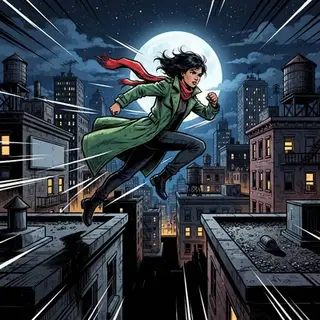
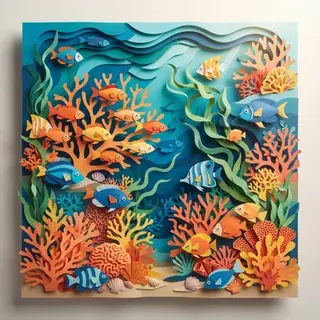
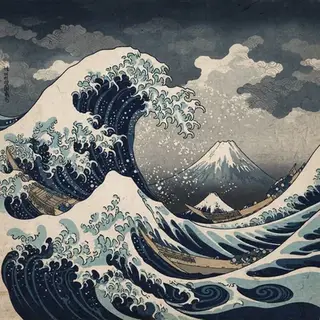
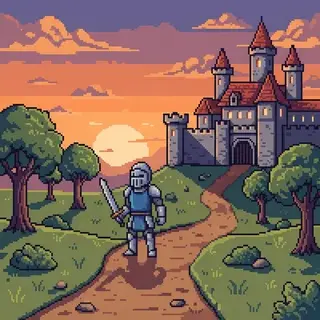
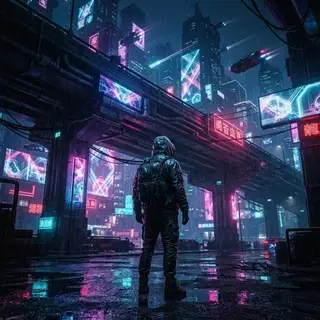
25 looks. One stays for the whole video.
The first picture becomes the reference for every picture after it, so a character and a style hold from the first scene to the last.
- Realistic

- Cinematic

- 3D Cartoon

- Cartoon

- Comic Book
- Storybook

- Anime Realism

- Anime

- Dreamy Anime

- Oil Portrait

- Watercolor

- Ink Sketch

- Pop Art

- Collage

- Paper Cutout
- Ukiyo-e
- Kawaii

- Claymation

- Pixel Art
- Low Poly

- Fantasy Epic

- Cyberpunk
- Vintage Retro

- Noir Film

- Spooky

30 languages
Or translate a finished video: the same pictures and voice, new words and captions.
- English
- Spanish
- Portuguese
- French
- German
- Italian
- Arabic
- Russian
- Japanese
- Korean
- Chinese
- Hindi
- Bengali
- Indonesian
- Turkish
- Urdu
- Tamil
- Persian
- Romanian
- Filipino
- Telugu
- Marathi
- Gujarati
- Kannada
- Punjabi
- Polish
- Dutch
- Ukrainian
- Vietnamese
- Malayalam
Made for the channel
you run.
A history channel, faceless myths, bedtime stories in Spanish, news, a podcast’s best moments, a short drama. Pick yours to see a video made for it and the tools it uses.
A history channel
You line up the moments you want told, and a series makes each one an episode on the days you pick.
Run a show,
not one video.
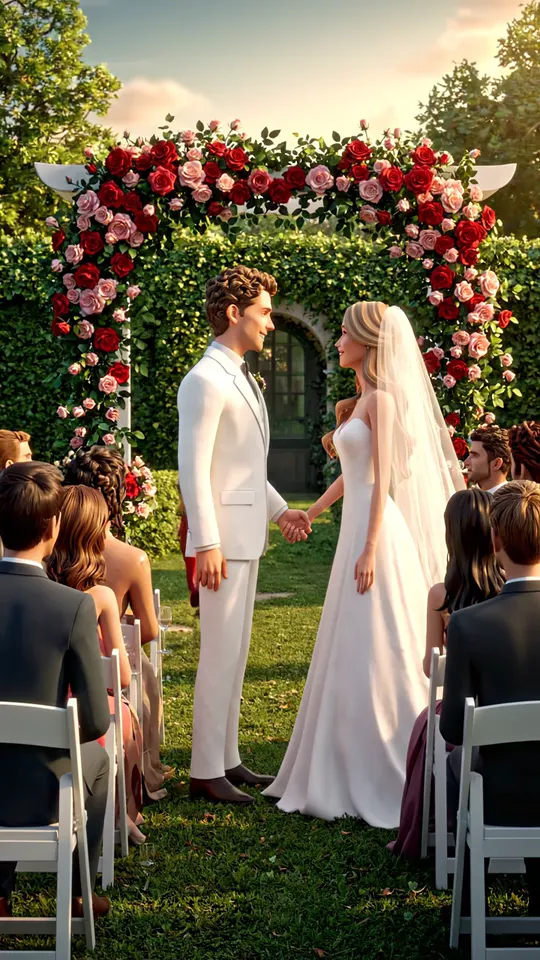
A series makes an episode on the days you pick, from a short drama to a bedtime story every night. It keeps the same cast, remembers what happened before, and asks you before it makes each one.
Start a series- On your schedule
New episodes on the days you pick
Monday, Wednesday and Friday, or every night. Each one comes ready to post.
 Ep. 1
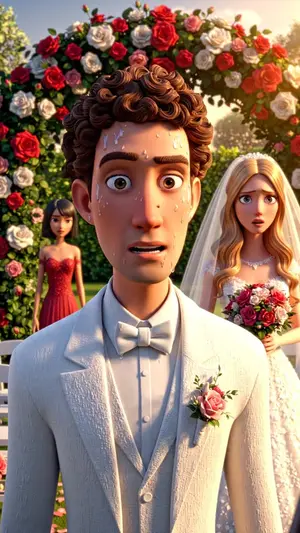
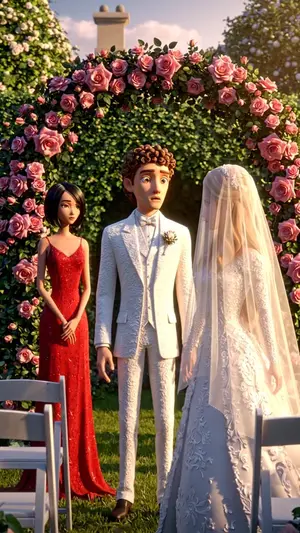 MoTuWeThFrEp. 3SaSu
- Characters
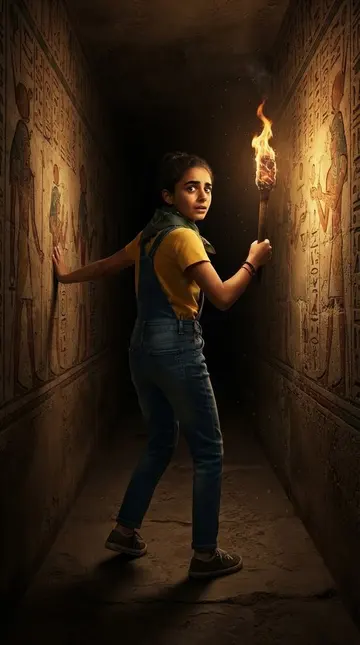
The same faces in every episode
Draw a character once. Its face, hair and clothes stay the same in every scene.
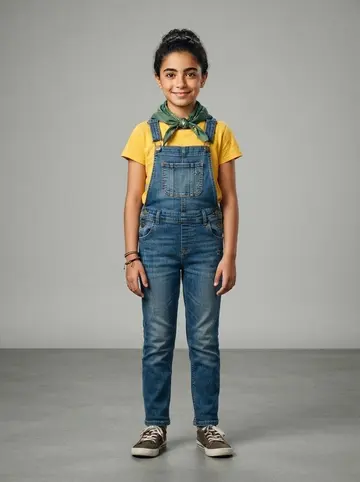
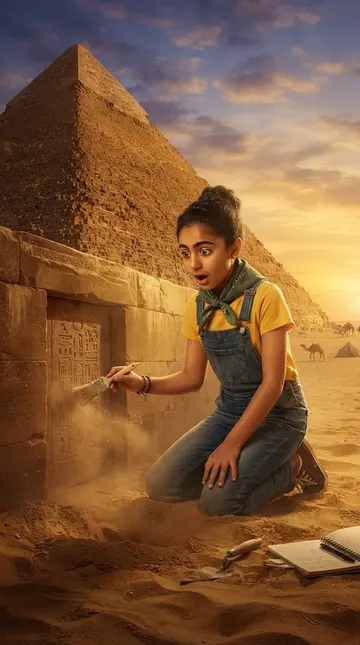
 Face keptHair keptClothes kept
- Up next
Nothing is made without your yes
It writes the next ideas from what happened before. You approve, change or skip each one.
- Ep. 4The mother of the bride stands upApproved
- Ep. 5The first husband arrives at the reception
Ep. 4 picks up where Ep. 3 ended.
- Up to 3 characters a video
- The same episode in more languages
- Each episode rendered for you
Don’t repost it.
Add your take.
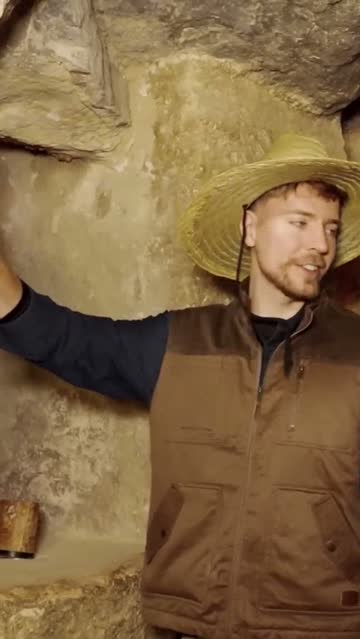
Feeds are filling with the same clip, posted again and again. Remix makes a clip from your own video into a new story: a hook, the background it needs, facts from a search, your comments between its moments, and the clip’s own sound where it counts.
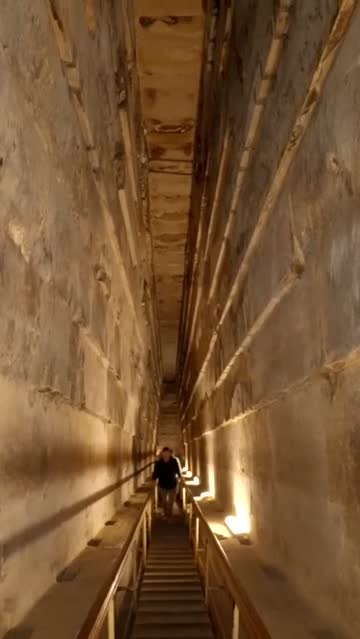
What is really inside the Great Pyramid?
 Paused
Each block above him weighs about 2.5 tonnes.
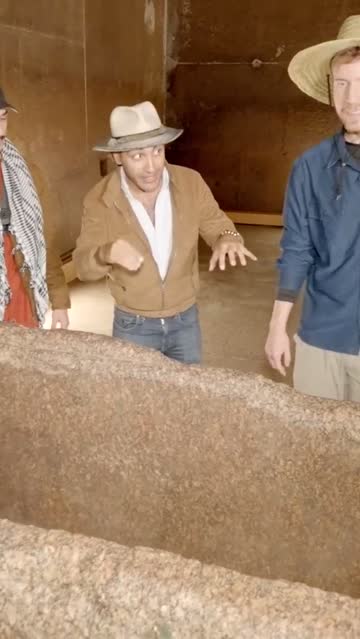
The granite box was found empty. Why?
Reframing that
watches every shot.
We built our reframing engine from the ground up. It finds the cuts, the faces and the person talking, then moves a virtual camera through each shot the way an editor would. This is its real analysis of this clip, drawn as it plays.
Reframe a video The same video as in I Spent 100 Hours Inside The Pyramids ↑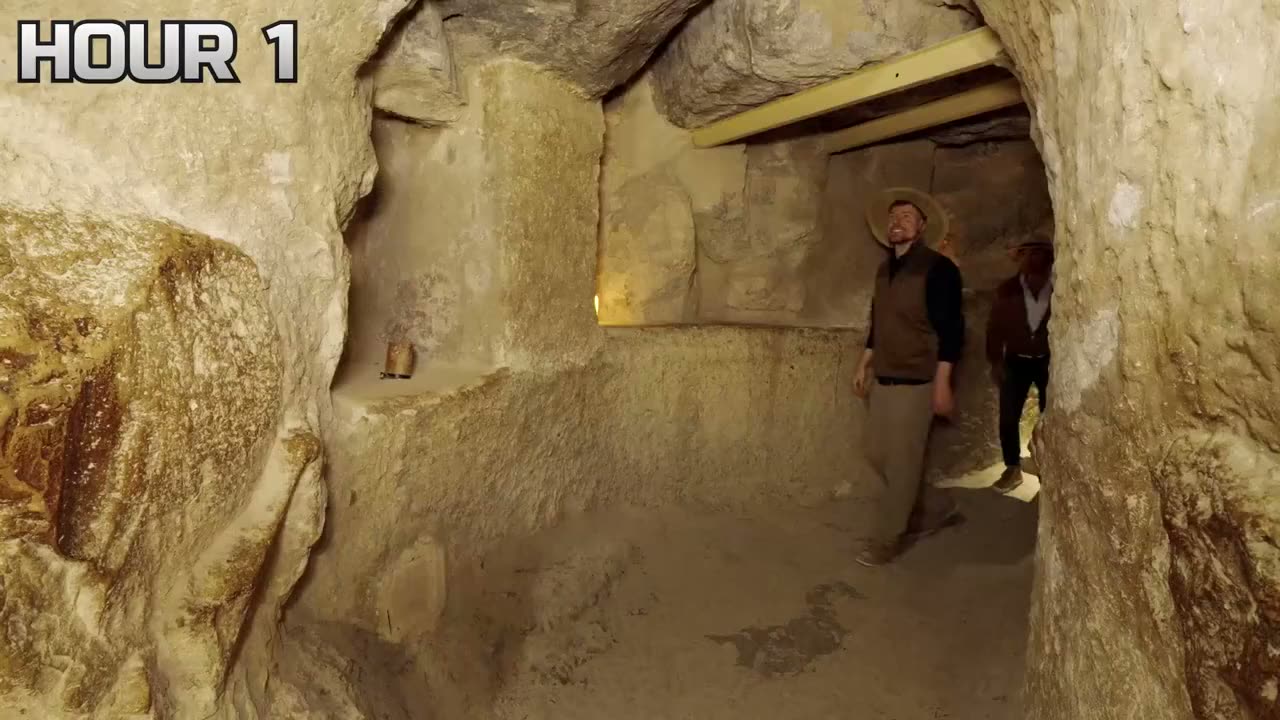
- Shot
- 1/4
- Crop x
- 0.534
- Faces and the speaker
- Each face is mapped point by point. The mouth that moves is the person who talks, and the frame leans to them.
- What stands out
- A saliency model reads every frame, so a shot with no face still keeps its subject: a hand, a car, a stone.
- Every shot on its own
- Cuts are found first. Each shot gets its own framing, and the camera never slides across a cut.
- Moves like an operator
- Per shot it decides to hold still or to follow, and smooths the path so it never jitters.
- Two people, too far apart
- When one crop cannot hold both, it stacks them, one above the other.
- Your call on any shot
- Pin the framing of a shot, or split it in two, and see it before anything renders.
Captions on every word,
timed to the voice.
Upload a video you filmed. Each word lights up as it is said, in a style you can change at any time. Fix any word before you render, and download SRT, VTT or text files too.
Caption a video The same video as in I Spent 100 Hours Inside The Pyramids ↑- is0.02 s
- so0.16 s
- beautiful.0.48 s
- Someone1.34 s
- 4,5001.74 s
- years2.58 s
- ago2.94 s
- put3.26 s
- this3.50 s
- rock3.72 s
- right3.96 s
- here.4.18 s
- Correct.4.44 s
- This4.82 s
- pyramid4.98 s
- dates5.42 s
- back5.80 s
- to6.18 s
- about6.42 s
- 4,5006.62 s
- years7.58 s
- old.8.02 s
- The8.62 s
- passageway8.74 s
Delete a word.
The video follows.
Every clip and every video opens in the same editor. Cut by editing the transcript, restyle the captions, add a title, B-roll or your logo, and change the shape. Nothing to install.
Open the editor The same video as in I Spent 100 Hours Inside The Pyramids ↑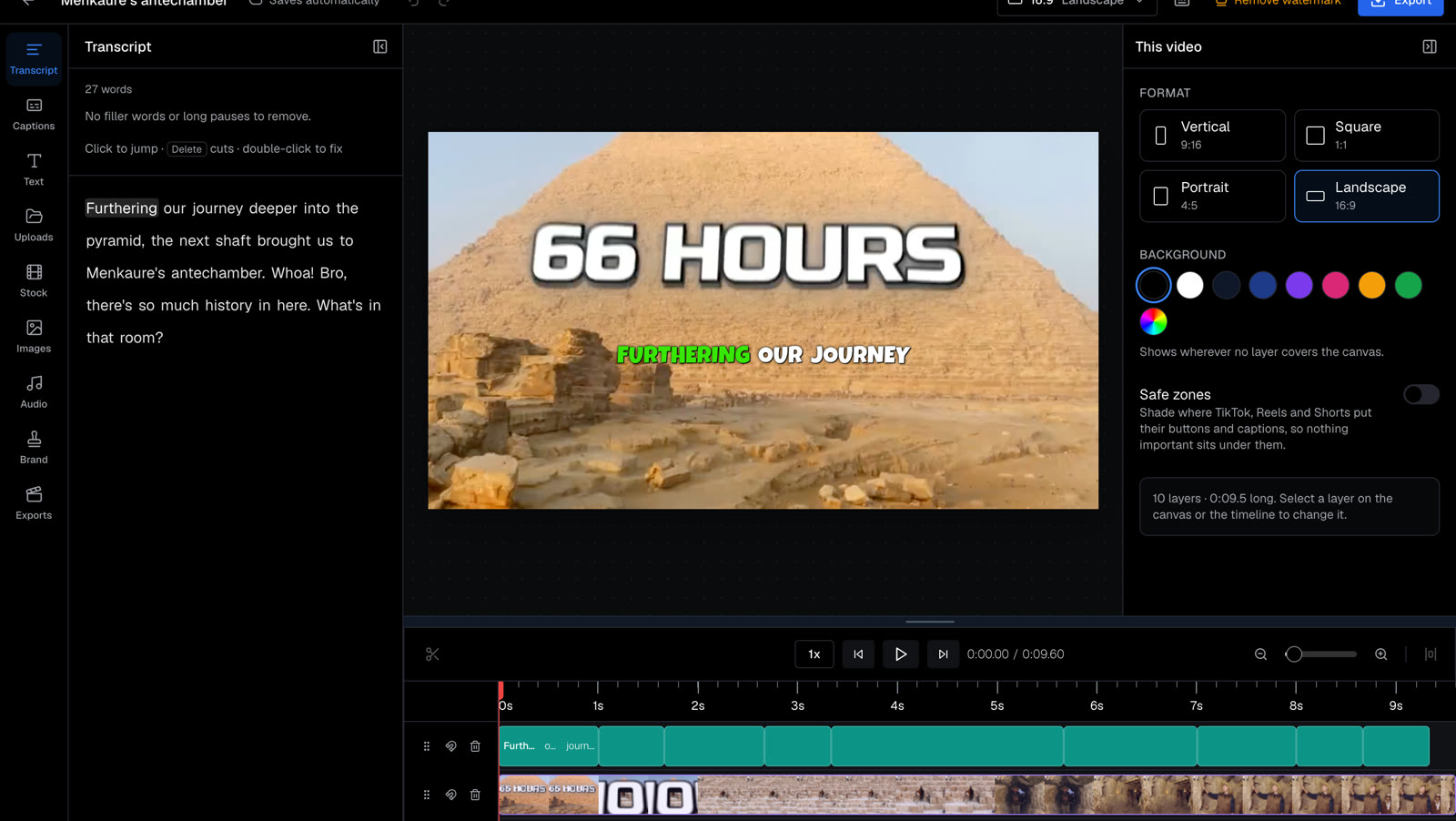
- 1Transcript
Edit the words. Delete one and the video, the sound and the captions are cut with it.
- 2Tools
Captions, text, stock footage, images, audio and your brand kit.
- 3Captions
Timed to each word, in a style you pick. Drag them where you want.
- 4Format
One project, four shapes: 9:16, 1:1, 4:5 and 16:9.
- 5Timeline
Every layer on a real timeline: trim, split and move.
One project.
Every feed’s shape.
Export the same video for every feed. Each shape gets its own framing, so the subject stays in view in all four. Then the words for each post are written for you.
The same video as in I Spent 100 Hours Inside The Pyramids ↑- Words for each platform
- A YouTube title, description and tags, TikTok and Instagram captions, in the video’s language. Edit and copy each one.
- Straight to the app
- On a phone, the share sheet hands the file to TikTok, Instagram or YouTube.
- A reminder at your time
- Schedule a post and you get an email then, with the video, the words and the upload page. Clip-Short never posts for you.
The studio
Every tool ends in the same editor.
Start from an idea or from a long video. Each tool hands its work to the same editor, so a clip, a story or a whole series ends in one place, ready to post.
The studio,
as it is.
Not mock-ups. These are the app’s own pages, captured from the product with one of the site’s examples open in each: the create page, a finished video and its agent, the editor, Reframe and Auto Caption.
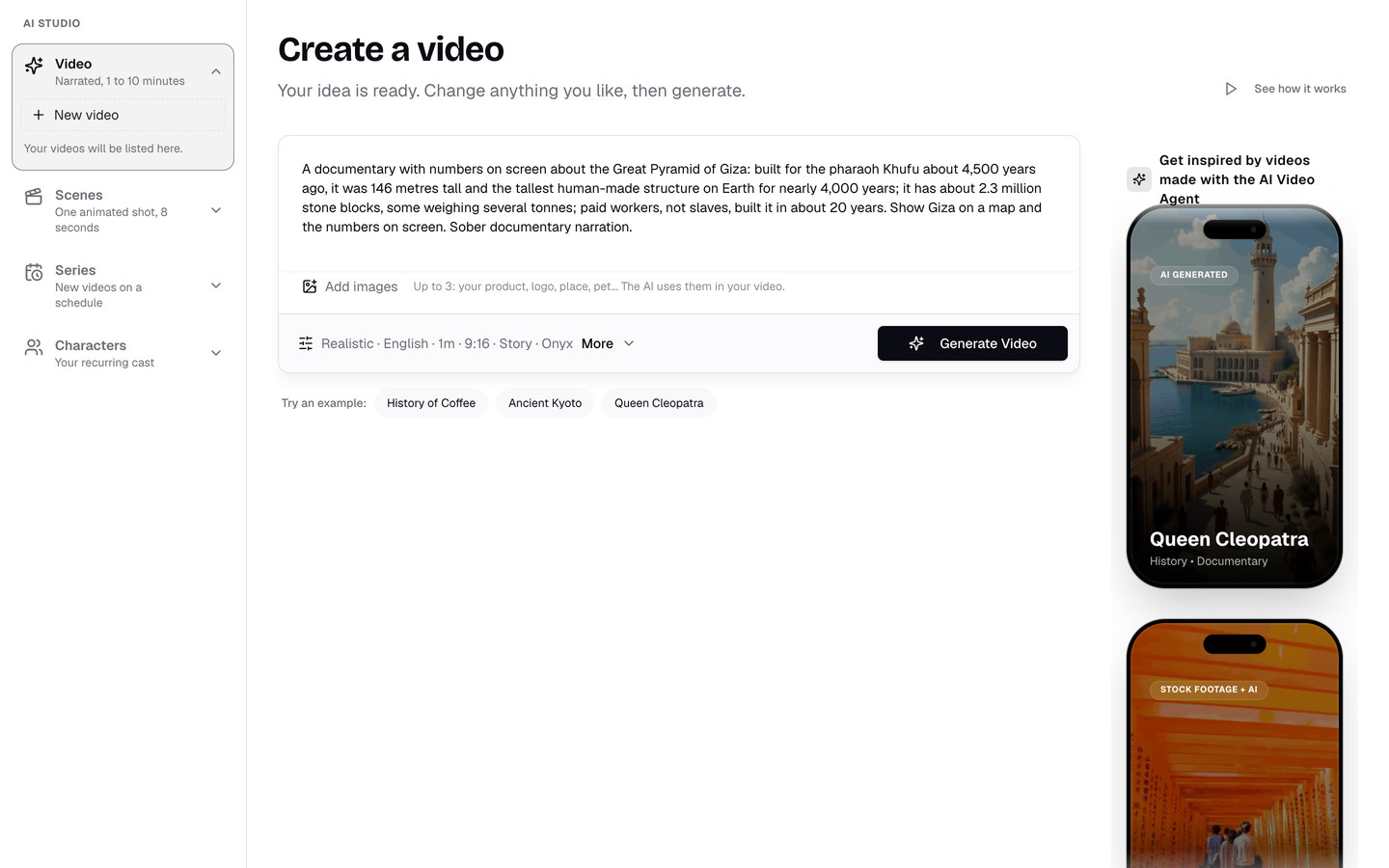
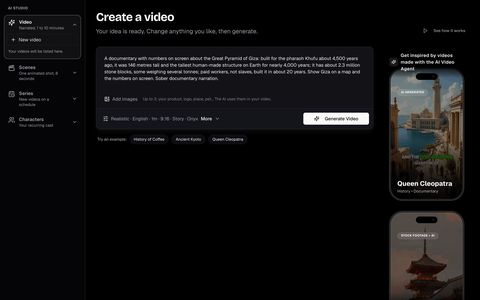
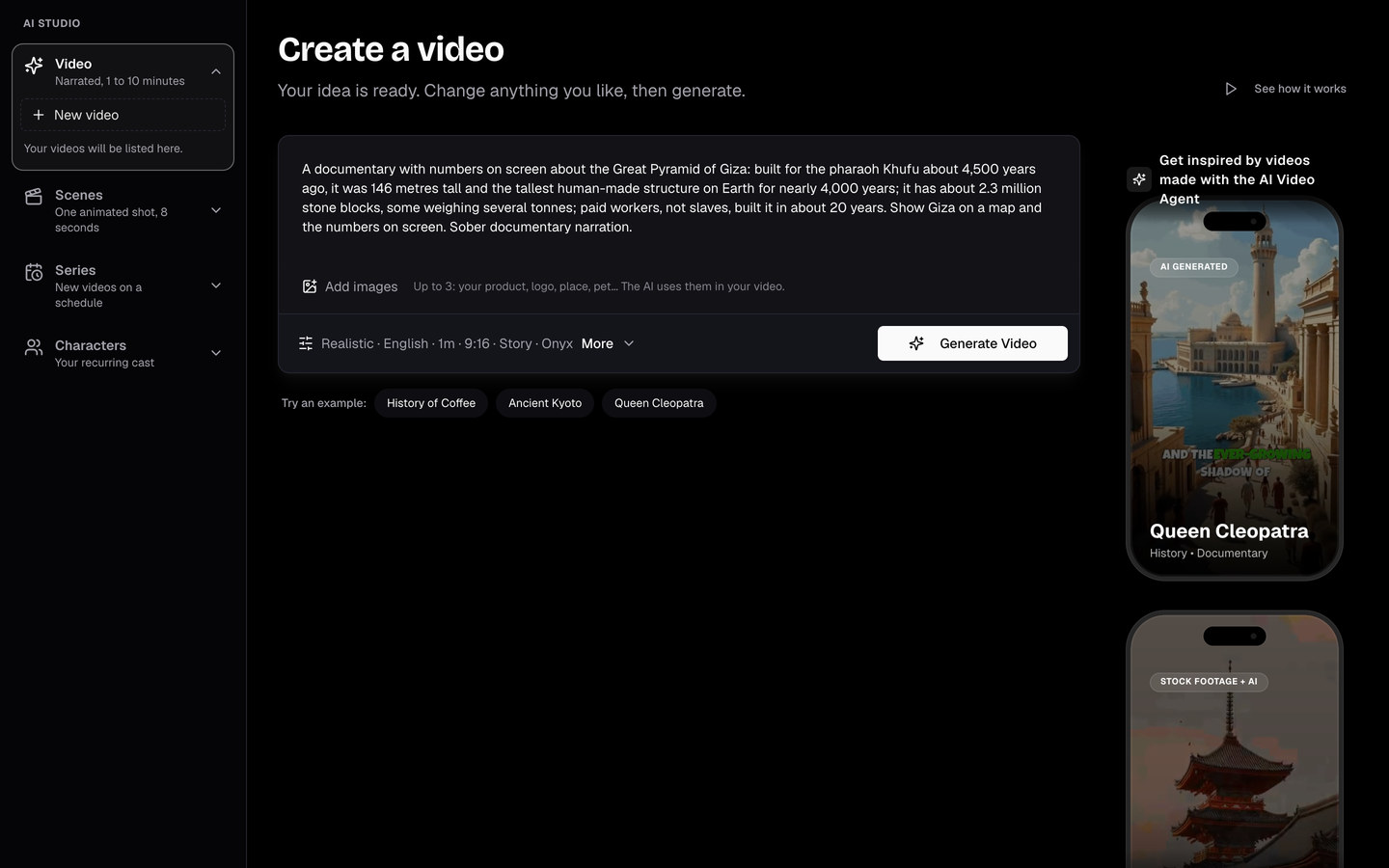
An idea starts a video. Here the box holds the idea a published example was made from, word for word, and the line under it says its look, language, length and narrator. More opens each choice.
In numbers
More in every video
than you have to ask for.
Every number here is the app’s own, read from the product itself.
- 52
- things the agent can do for you
Ask for a change in your own words. It looks at the video, makes the change and checks it on screen before you see it.
See it work - 30
- narration languages
And 25 looks that stay the same from the first picture to the last.
See it work - 15
- moods of music
Our own instrumental library, mixed under the voice. It is in every video at no extra cost.
See it work - 0.7 s
- the longest a caption word stays lit
Every caption word lights up as it is said and never lingers past the next one. When two people talk, each gets a colour of their own (after 6 s each).
See it work - 6
- things Reframe follows
Faces, who is talking, what stands out, every cut, two people far apart, and any shot you pin yourself.
See it work - 15
- minutes, the longest video you can export
Long enough for a full YouTube video, with up to 1,500 layers in the editor, at 30 frames a second.
See it work
Start free.
Grow into Pro.
One plan for every tool on this page. Pro comes in bundles, so you pay for as much as you make.
Every month
- 1 hour of clipping, captions and reframing
- Add 3 Pro AI videos any time: , once, no subscription
- The full editor
- A small clip-short.com watermark
a month, per bundle
1 to 10 bundles · change it anytime- 10 AI videos and 5 hours of clipping in each bundle
- Videos up to 10 minutes, with no watermark
- Animate, edit and redraw pictures, and change the voice
- Scenes, series, characters and your own voice
Failures are on us
A video, clip or render that fails costs nothing, and redoing a picture or a voice never costs another video.
Unused videos roll over
On Pro, the minutes and AI videos you don’t use this month carry into the next, up to a month’s worth.
Your projects stay yours
Cancel or downgrade and your projects and exports stay in your account for at least 90 days.
Cancel anytime
You keep your plan until the end of the period you paid for. Prices are shown in your own currency where we can bill it.
What is Clip-Short?
Clip-Short is an AI video maker and clipper for short vertical videos. Write an idea and it makes a narrated, captioned video, with the script, the pictures, the voice and the music; give it a long video and it cuts the best moments into clips for TikTok, Instagram Reels and YouTube Shorts. It runs in the browser, and the site and the app are in 6 languages.
| What | Clip-Short |
|---|---|
| What it makes | Short videos with AI: narrated, captioned videos from a written idea, and clips cut from long videos, with captions that follow each word |
| What you give it | A written idea (one sentence is enough), a YouTube link or a video file you upload |
| What you get | An MP4 file in 9:16, 1:1, 4:5 or 16:9, made for TikTok, Instagram Reels and YouTube Shorts |
| Languages | Narration and captions in 30 languages; the site and the app in English, Spanish, Portuguese, Arabic, French and German |
| Free plan | 60 minutes a month of AI Clipping, Auto Caption and Reframe, with a small watermark. Sign-up needs no card. The free plan makes no AI Agent videos |
| AI videos, paid once | US$6.99 for a pack of 3 Pro AI Agent videos, with no watermark and no subscription |
| Pro | US$19 a month or US$190 a year per bundle. A bundle is 5 hours of video processing and 10 AI Agent videos a month, with no watermark; take 1 to 10 bundles |
| Clip pack | US$6.99, paid once: 120 minutes of AI Clipping, every clip of those videos exported without the watermark, and 3 remixes |
| Remix | A clip from your own AI Clipping video made into a new narrated video around it, with researched background, graphics and the clip’s own sound |
| Where it runs | In the web browser, on a computer or a phone; nothing to install. You download each video and post it yourself: Clip-Short never posts for you |
Before you start
The short answers. Every other question is on the FAQ page.
All questionsWhat is Clip-Short?
Clip-Short (clip-short.com, with a hyphen) is a web app that makes short videos for TikTok, Instagram Reels and YouTube Shorts with AI. Its AI Agent turns a written idea into a narrated, captioned video: script, pictures, voice and music. AI Clipping cuts a long YouTube video or an uploaded file into vertical clips with captions. It also has auto captions, dubbing into English, Spanish, Portuguese, Arabic, French and German, reframing and a video editor in the browser. The site and the app are in English, Spanish, Portuguese, Egyptian Arabic, French and German, and the free plan needs no card. It is not ClipShort (clipshort.co), a different company.
How long does it take to make a video?
A few minutes. The AI Agent writes the script, makes the pictures, records the voice and adds captions and music. You can close the page: we email you when the video is ready.
Can I change the video before I post it?
Yes. Every scene stays editable: swap or redraw a picture, rewrite what the narrator says, restyle the captions or change the music. Then export, or open it in the full editor.
Which languages can it narrate in?
The AI Agent narrates videos in 30 languages, with the captions in the same language. A finished video can be made again in another language, with the same pictures and the same voice.
Is there a free plan?
Yes, for clipping. Every account gets 1 hour of video processing a month for AI Clipping, Auto Caption and Reframe, free, with a small clip-short.com watermark. AI Agent videos are paid: a pack of 3 Pro videos for US$6.99, paid once, or Pro.
How much does Clip-Short cost?
The account and the free plan cost nothing: 60 minutes a month of AI Clipping, Auto Caption and Reframe, with a small watermark. AI Agent videos are paid: US$6.99 for a pack of 3 Pro videos, paid once, or Pro at US$19 a month (US$190 a year) per bundle, with 10 AI videos and 5 hours of processing a month. The Clip pack is US$6.99, paid once, for 120 minutes of clipping without the watermark and 3 remixes.
Where can I post the videos?
Anywhere: you download an MP4 and post it yourself. Videos come in four shapes: 9:16 for TikTok, Instagram Reels, YouTube Shorts and Facebook Reels, 4:5 and 1:1 for posts, and 16:9 for YouTube.
Does Clip-Short post the videos for me?
No. Clip-Short never posts for you. You download each video as an MP4 and post it yourself, on TikTok, Instagram, YouTube or anywhere else. Clip-Short can write the title and the caption for each platform, and a scheduled post is an email that reminds you to post, not an upload.
Can the AI narrate in my own voice?
Yes, on paid plans. You record one sentence, and the AI narrates videos of up to 3 minutes in a voice that sounds like yours.
Is my content safe?
Your videos are stored in Google Cloud Storage and only your account sees them, unless you share one. We do not sell or publish your videos, and you can delete a project at any time.
Free tools.
No account.
Check a channel against YouTube’s policies, count the hours to monetization, or find your next idea.
Every tool and guide- Checker
YouTube monetization checker
Paste a channel and get a report on its last 10 videos against YouTube's reused and repetitive content policies.
Open - Calculator
YouTube watch hours calculator
Your views and view duration: how long until 4,000 watch hours, or 8,000 for new channels from 2027.
Open - Generator
Video idea generator
Tell it what your channel is about and get 8 video ideas, each ready to become a video.
Open






Your next video starts with a sentence.
Used by 10,000+ creators · Free plan: 1 hour of clipping, no card